Quick Start Guide 9
5. In the Set up social network accounts screen, choose
which social network accounts you want to set up.
After setting up an account, you will be taken back to
the Set up social network accounts screen. Tap Next
when you are done setting up the accounts.
6.
Tap Finish to finish the setup process and go to the
Home screen.
5. HTC Sense™
Discover HTC enhancements that make the phone
just right for you, help you stay in touch and leave you
delighted with their ease of use.
Home screen
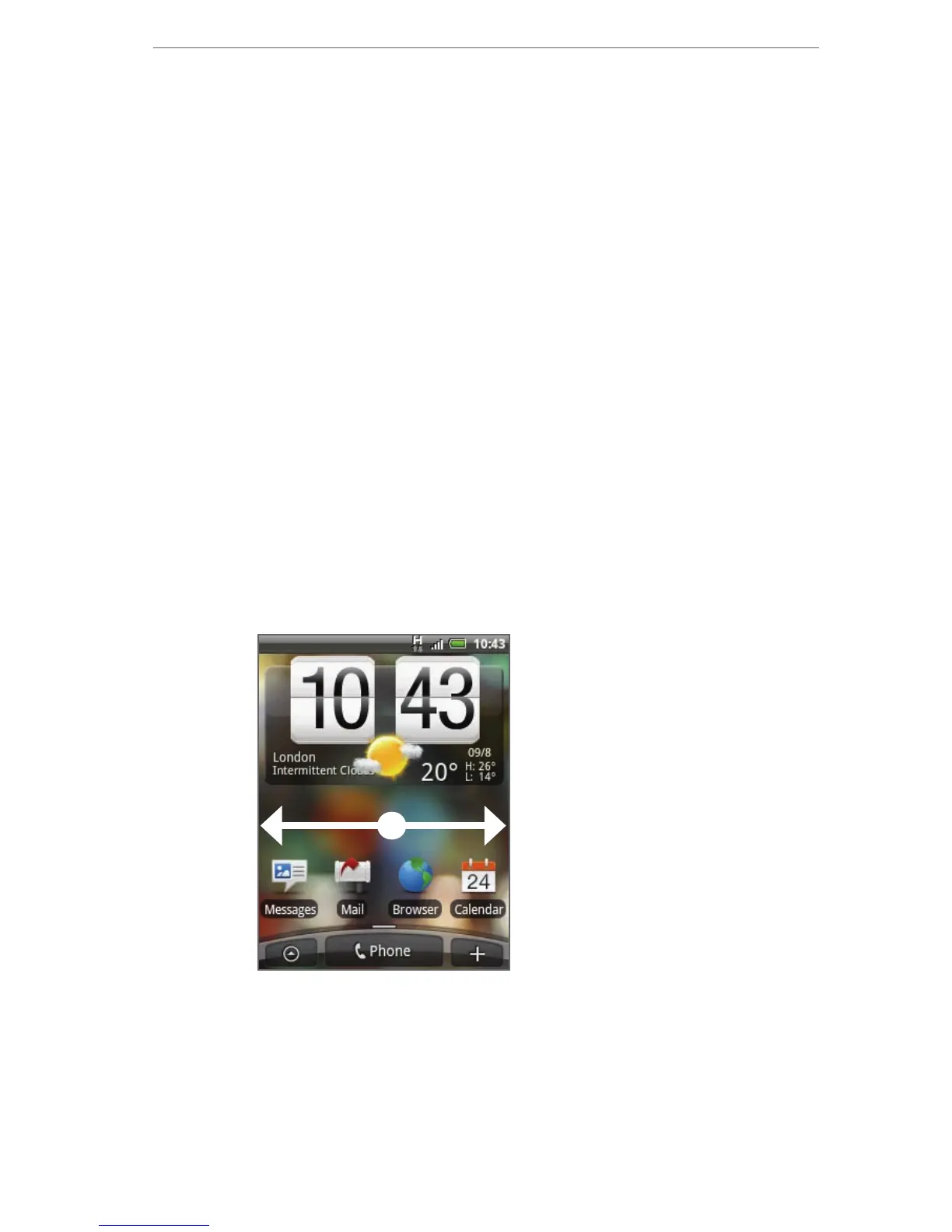
The Home screen gives you a lot of real estate to work
with so you can add the items you want and need on
the Home screen.
Slide your finger
from right to left
or left to right to
go to the extended
Home screen.
Tip While in any application, press HOME to display the
Home screen.
The Home screen extends beyond the screen width to
provide more space for you to add shortcuts, widgets,
and folders. There are 6 “additional” screens apart from
the main Home screen.



 To Next Page