4.) Add
contacts to your Contacts list. Only add contacts to which you wish to give access to your Lync system
for the purpose of using the Phone-to-Zone™ feature. Each of these contacts will need to have their own
Skype™ account/name running on his or her own device.
Before connecting the hardware, check to make sure this dedicated Skype™ account has been set up correctly by
placing a call to it from one of the Skype™ accounts included in your Contacts list.
Connecting the Hardware
Make
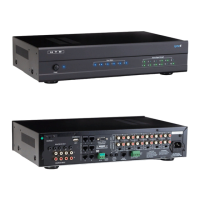
sure the two-position switch on the back of the DI-21 is set to P2Z and follow this diagram to connect:



 To Next Page