FOR OUR LATEST PRODUCTS & OFFERS VISIT WWW.HTL-WORLDWIDE.COM
12
Setting the Pressure
To set the pressure on the pump, follow this procedure:
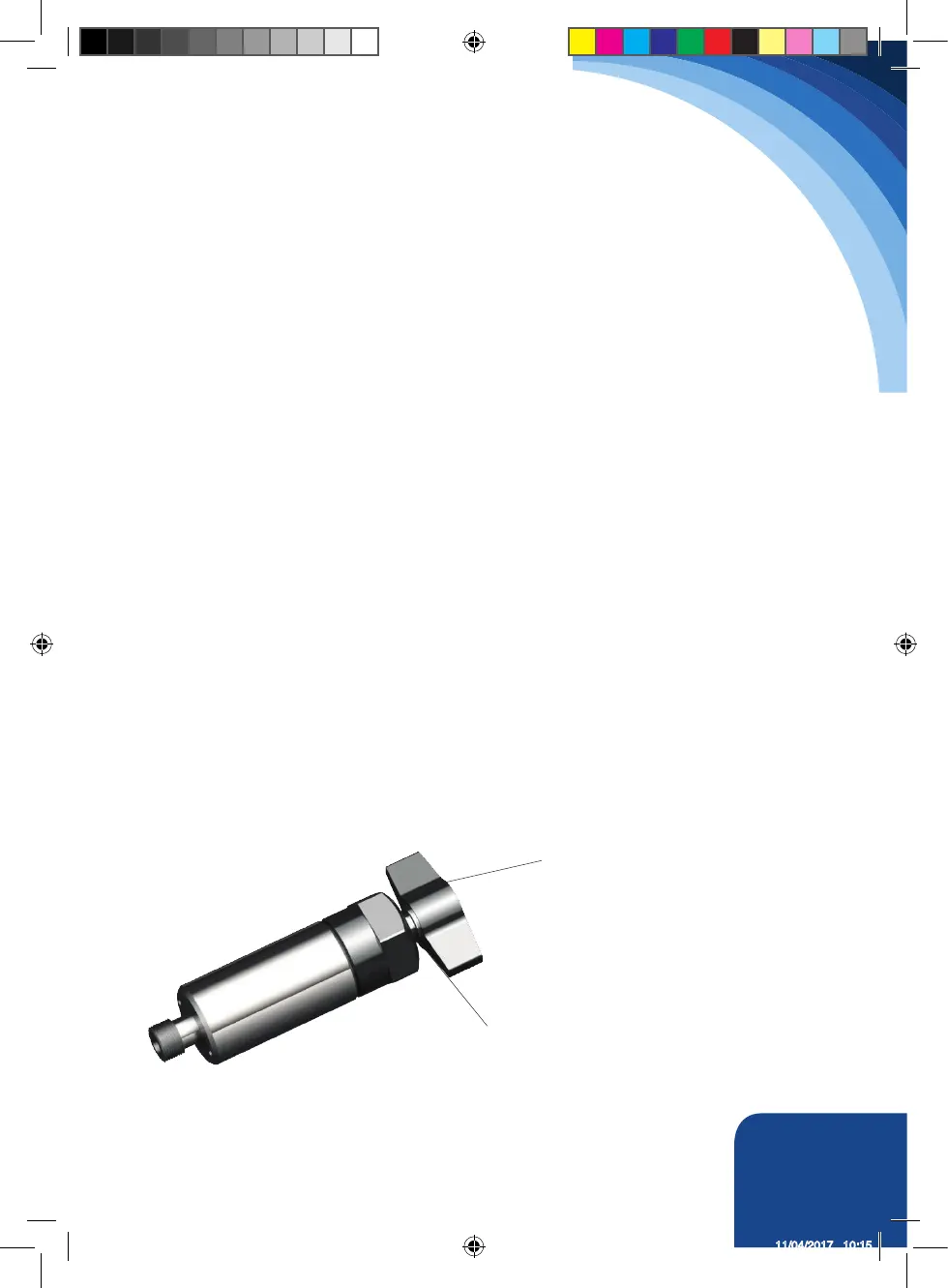
1. Loosen the knurled locking ring below the T handle on the pump’s external pressure regulator. Then
turn the T handle as shown below, CCW (counterclockwise) until it turns freely and easily.
2. Turn the pump on. Using the pump’s remote control pendant, push down the advance switch (or
button on air pumps) and hold it.
3. While holding the pump in the advance mode, slowly turn the T handle clockwise and observe the
pump pressure gauge rise.
4. When your gauge reaches 4,000 psi, stop turning the T handle and let the gauge settle out.
5. If the pressure continues to rise (above 4,000), release the advance button and back o your
pressure slighitly - by turning CCW on the T handle.
6. Then re-depress the advance switch on your remote and slowly bring pressure up to 4,000 psi
again.
7. When the pressure is correct, turn the pump o and tighten the knurled lock nut provided under the
T handle. This sets pump pressure, which determines torque wrench output.
8. Once your target pressure is set and locked, cycle the pump once more to ensure that your
pressure setting did not change as you turned down the knurled knob
NOTE: Always adjust the regulator pressure up, never down.
T Handle
Locking Ring
HTL-Operating-Instructions-DS.indd 13 11/04/2017 10:15



 To Next Page