24
4) Press WIFI+STD buttons simutaneously, WIFI indicator light will ash at a
slow pace, and the unit connects with the APP;
WIFI CONFIGURATION
There are 2 ways for WIFI conguration:
1) EZ Mode: Press WIFI button on
the water heater for 3 seconds,
its WIFI indicator light will ash at
a fast pace, and the unit enters
EZ network distribution status.
Then press” Conrm indicator
rapidly blink” appears in APP.
2) AP mode: Simultaneously press
WIFI+STD buttons on the water
heater, its WIFI indicator light will
ash at a slow pace, and the
unit enters AP network distri-
bution status. Then chose AP
mode from the APP, and press”
Conrm indicator slowly blink”
appears in the APP.
PACKING LIST
No. Name Unit (piece)
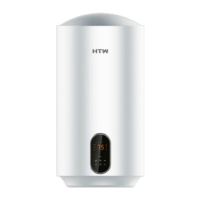
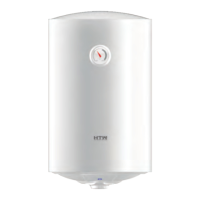
1 Storage electric water heater 1
2 User manual 1
3 Ination bolt 2
4 Safety valve 1


 To Next Page
 Loading...