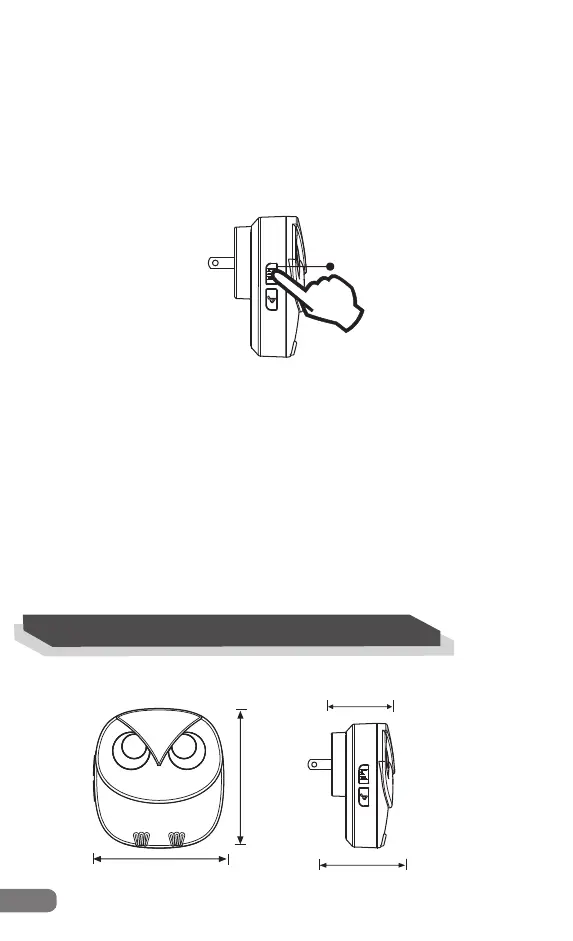
Volume
61mm
45mm
(4)How to change the melody for the sensors
(total 35 optional melodies; you can match different melody for each
sensor.)
Step 1
Plug the receiver into an outlet.
Step 2
Activate the sensor first,and then press the “Melody” button
to choose the melody for this sensor.
Repeat steps for other sensors which have been added to
the receiver already.
10
4. Technical Parameters
Plug-in Receiver
81mm
87mm
Step 1
Plug the receiver into an outlet.
Step 2
Press the “Volume” once to adjust the volume of the receiver
(total 4 adjustable volume levels).
(3)How to adjust the alarm volume


 To Next Page