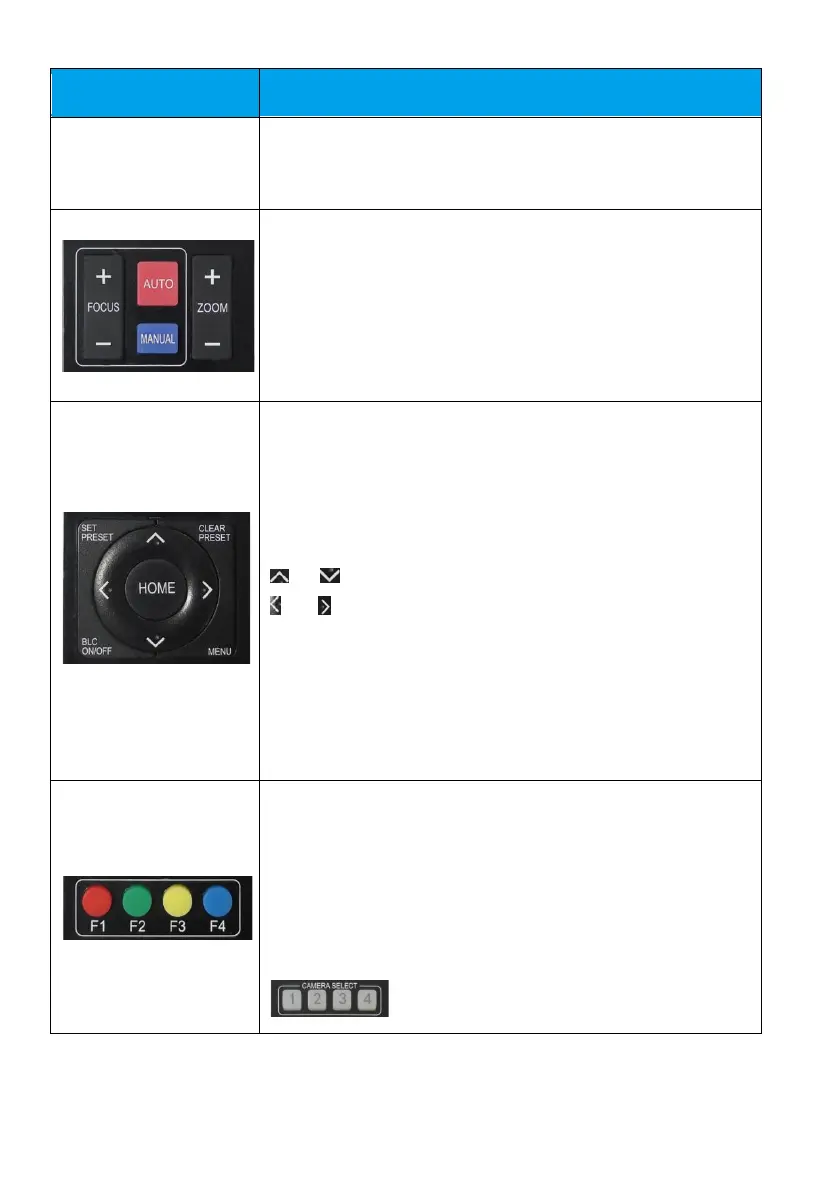
ZOOM+ or ZOOM-: Zoom in or zoom out
AUTO: Auto focus mode
MANUAL: Manual focus mode
* + # + AUTO: Start auto rotation mode
# + * + AUTO: Stop auto rotation mode
Call preset: Press 0–9 to call a saved preset
Clear preset: First, press CLEAR PRESET, then press a number
from 0 to 9 to delete the corresponding preset
# + # + #: Clear all presets
or : Rotate PTZ up and down, select an item under MENU
or : Rotate PTZ left and right, change the parameter value
under MENU
MENU: Enter/exit on-screen menu or return to previous menu
HOME: PTZ returns to middle position, confirms modification,
or enters the next menu
BLC ON/OFF: Turn backlight on or off











 To Next Page