Getting Started
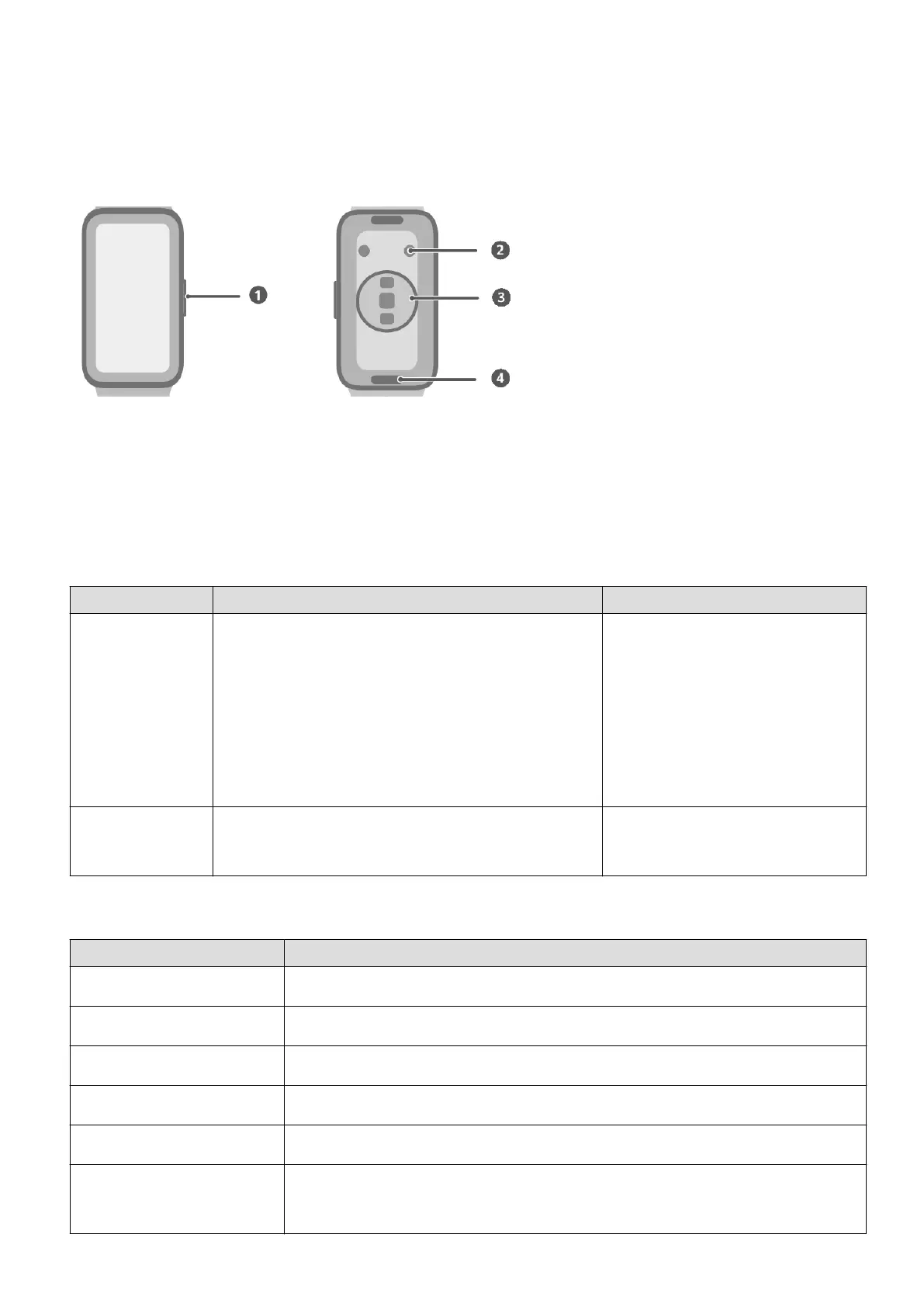
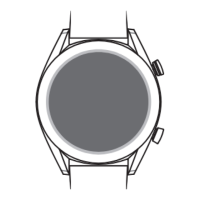
Buttons and screen controls
1: Side button
2: Charging contacts
3: Monitoring sensor area
4: Quick release button
Side button operations
Operation Feature Remarks
Press once • When the screen is o: Turns on the
screen.
• When home screen is displayed: Takes you
to the app list screen.
• When any other screen is displayed:
Returns to the home screen.
Operations dier for
incoming calls and during
workouts.
Press and hold Powers on, powers o, or restarts your
device.
--
Screen controls
Operation Feature
Touch Chooses and conrms.
Touch and hold On home screen: Changes the watch face.
Swipe down On home screen: Opens the shortcut menu.
Swipe up On home screen: Shows notications.
Swipe left On home screen: Accesses the watch feature cards.
Swipe right On home screen: Enters the HUAWEI Assistant·TODAY screen.
On any app's screen: Returns to the previous screen.
1



 To Next Page