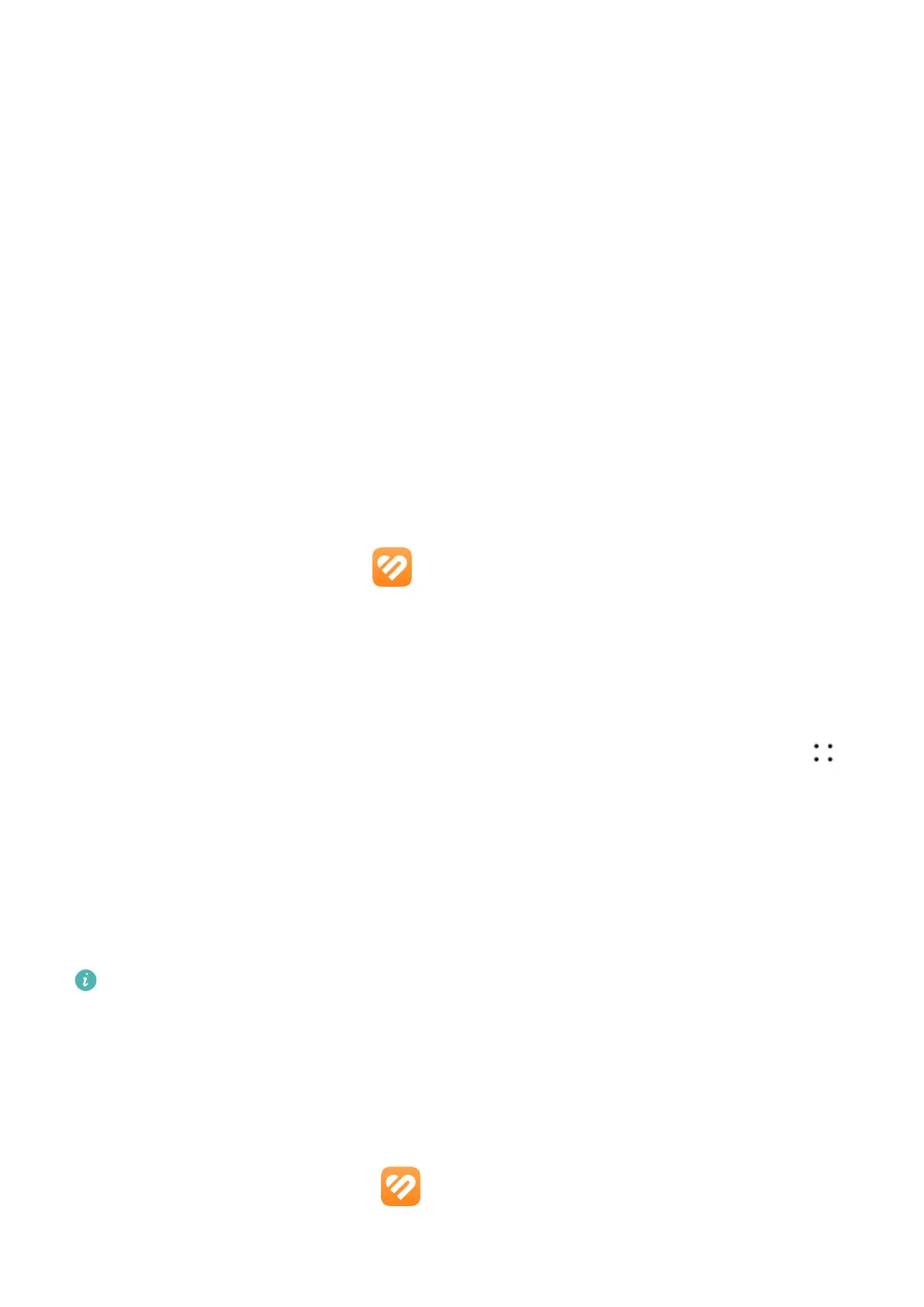
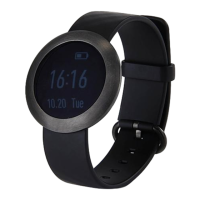
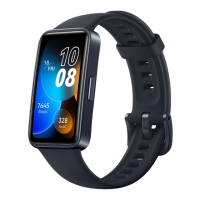
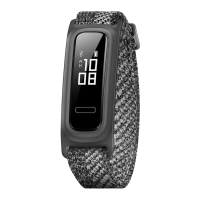
Turning on the screen
Press to wake: Press the Side button once to wake the screen.
Raise to wake: Raise your wrist to wake the screen. To use this feature, open the Huawei
Health app on your phone, go to the device details screen, touch Device settings, and make
sure Raise to wake is enabled.
Tap to wake: Tap on the screen to turn it on. To use this feature, on your wearable device, go
to Settings > Display & brightness, and make sure Tap to wake is enabled.
Screen brightness adjustment: On your wearable device, go to Settings > Display &
brightness > Brightness, and set the brightness to suit your needs.
Turning o the screen
• Lower or rotate your wrist outwards, or use your palm to cover the screen.
• The watch will automatically sleep without operation for a period of time.
Pairing with an EMUI/Android phone
1 Install the Huawei Health app (
).
If you have already installed the Huawei Health app, go to Me > Check for updates, and
update it to the latest version.
2 Open the Huawei Health app, and go to Me > Log in with HUAWEI ID. If you don't have
a HUAWEI ID, please register for one, and then log in.
3 Power on your wearable device, select a language, and start pairing.
4 Place your wearable device close to your phone. On the Huawei Health app, touch in
the upper right corner and then Add device. Select your wearable device and touch LINK.
Alternatively, touch Scan and initiate pairing by scanning the QR code displayed on your
wearable device.
5 When a pop-up window appears in the Huawei Health app requesting a Bluetooth
pairing, touch Allow.
6 When a pairing request displays on your wearable device, touch √, and follow the
onscreen instructions on your phone to complete the pairing.
After the pairing is complete, if you're using a non-HUAWEI phone, open the Huawei
Health app, navigate to the device details screen, touch Band connection protection,
and adjust system settings to prevent the Huawei Health app from being cleared from
the background.
Pairing with an iPhone
1 Install the HUAWEI Health app ( ).
If you have already installed the app, update it to its latest version.
Getting Started
2


 To Next Page