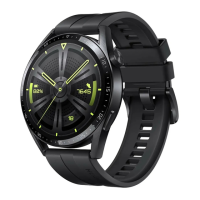
Rotate your wrist: (i) Wear the Band on your wrist and keep your wrist level. (ii)
Quickly rotate your wrist by approximately 90 degrees while keeping your wrist
level. The screen will turn on in less than 1 second. Try rotating your wrist until
you get the hang of turning on the screen.
Lift your wrist. When the Band is on your wrist and your arm is pointing
downwards, you can lift your wrist to wake up the screen.
3.3 Switch screens
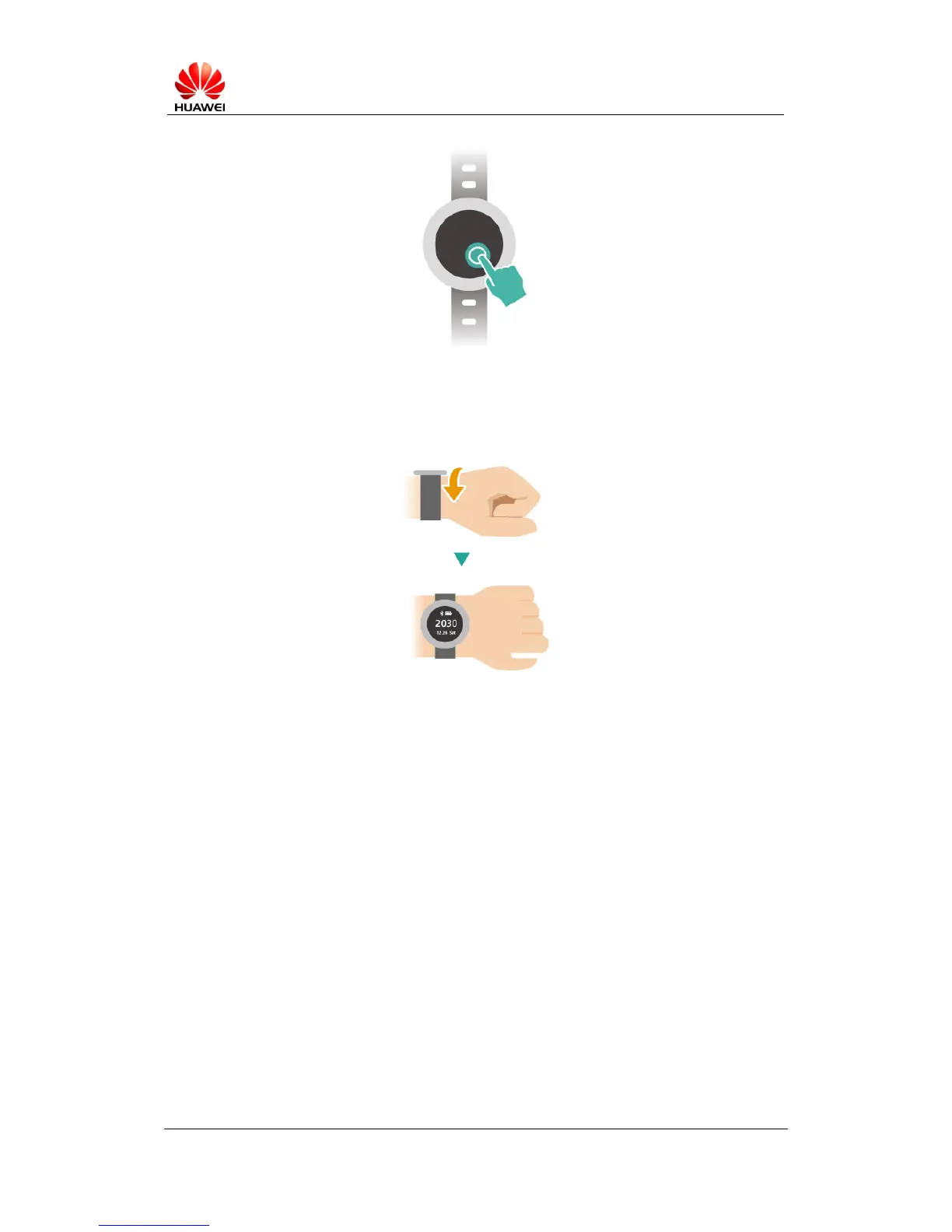
You can change the screen that is displayed using either of the following methods:
Swipe the screen. By default, the home screen displays the time. Swipe left or
right to view your step count, calorie count, or sleep data.



 To Next Page