English
8
Precautions
After use, store the camera gently and avoid contact with hard objects to protect the
camera lens.
The camera's velvet bag can be used to wipe the camera lens. Wiping the camera
lens before use can produce clearer images.
This device only supports vertical screen operations. Photos and videos can only be
taken in vertical orientation. You can view and edit them in horizontal view.
To learn more about app operations, refer to the User Guide.
If the battery power is less than 10%, the camera will not turn on properly. After the
app launches, the phone screen will display an insufficient battery power
notification.
If the camera is disconnected during the photo shooting process, the photos taken
will not be stored.
If the camera is disconnected while a video is being recorded, the shooting will be
canceled immediately, but the video captured before the disconnecting will still be
stored on your phone.
This device does not have built-in speakers. Therefore, there will be no sound during
operations.
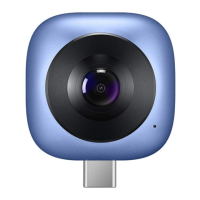
This device is intended to be used with USB Type-C smartphones that support
USB-OTG.
Indicator Description
Camera Status Color Description
Turn on Green
Lights up green for 1 second, then starts the
initialization.
Initialize Green
Continues to flash green until the camera is
turned on.
Initialization
failed
Red Continues to flash red.


 To Next Page