HUAWEI
5
4 g Started
s
Gettin
Computer Configuration Requirement
To use E220, your PC is required to have:
z
modem interface: USB 2.0 full speed
ay resolution: 800 % 600 or above; 1024 % 768 is recommended
Note:
the configuration of your PC meets the requirements.
Otherwise, improper configuration may degrade the performance of your
z CPU: Pentium 4, 1 GHz or above
z Memory: 128 MB RAM or above
z Hard disk: 50 MB or above
Operating system: Windows XP or Windows 2000
z USB
z Displ
Make sure that
PC.
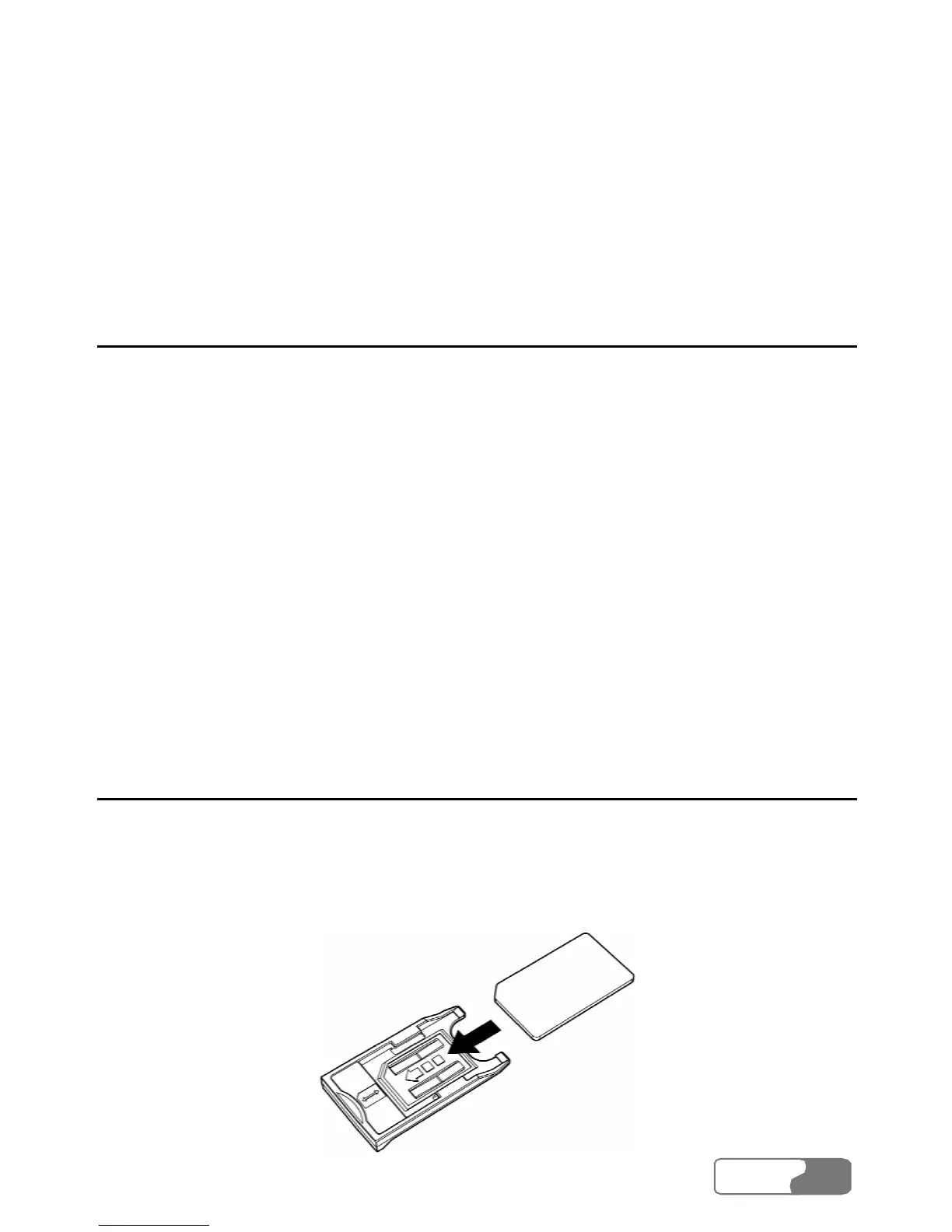
Preparing E220
1.
2. M e USIM/SIM
card into the USIM/SIM card is
fully inserted.
Take out E220 from the protective cover.
Take out the USI
/SIM card slot from E220. Then insert th
USIM/SIM card slot. Make sure that the




 To Next Page