HUAWEI
7
5 ion
m. The following
installation procedures are for your reference only.
Windows XP operating system as an example.
Note:
z ce
z
z Before connecting E220 to the PC, power on the PC. Otherwise, the
Installat
The installation procedures vary with the operating syste
Take the
For Windows XP, it is recommended to install patches such as Servi
Pack 2 or above.
For Windows 2000, it is recommended to install patches such as
Service Pack 4 or above.
installation may be affected.
Connecting E220 to the PC
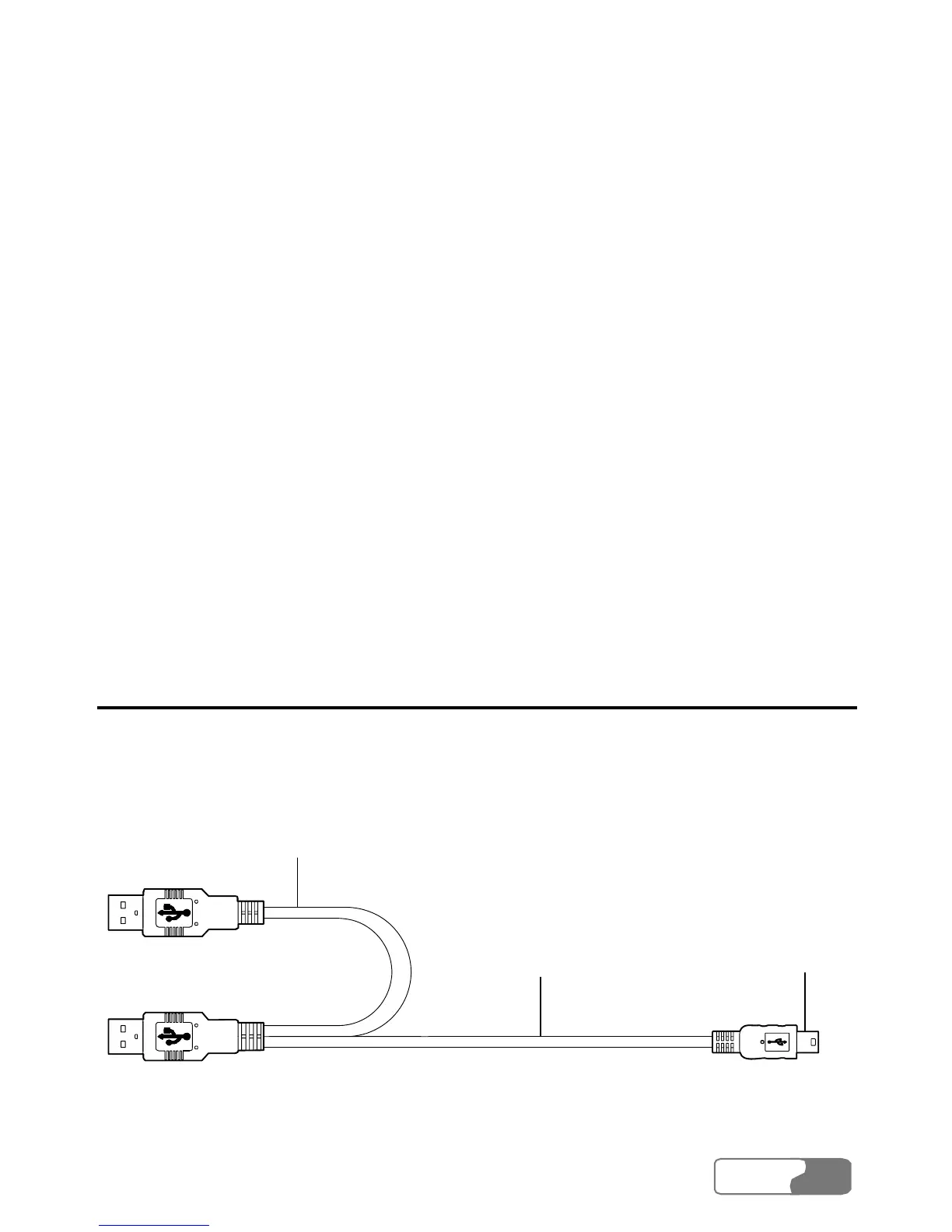
Use the dedicated USB cable to connect E220 to the PC.
The following figure shows the USB cable.
Auxiliary USB
data cable
Main USB
data cable
Mini-USB
connector
Do the following to connect E220 to the PC:





 To Next Page