6 Introduction to Mobile Connect
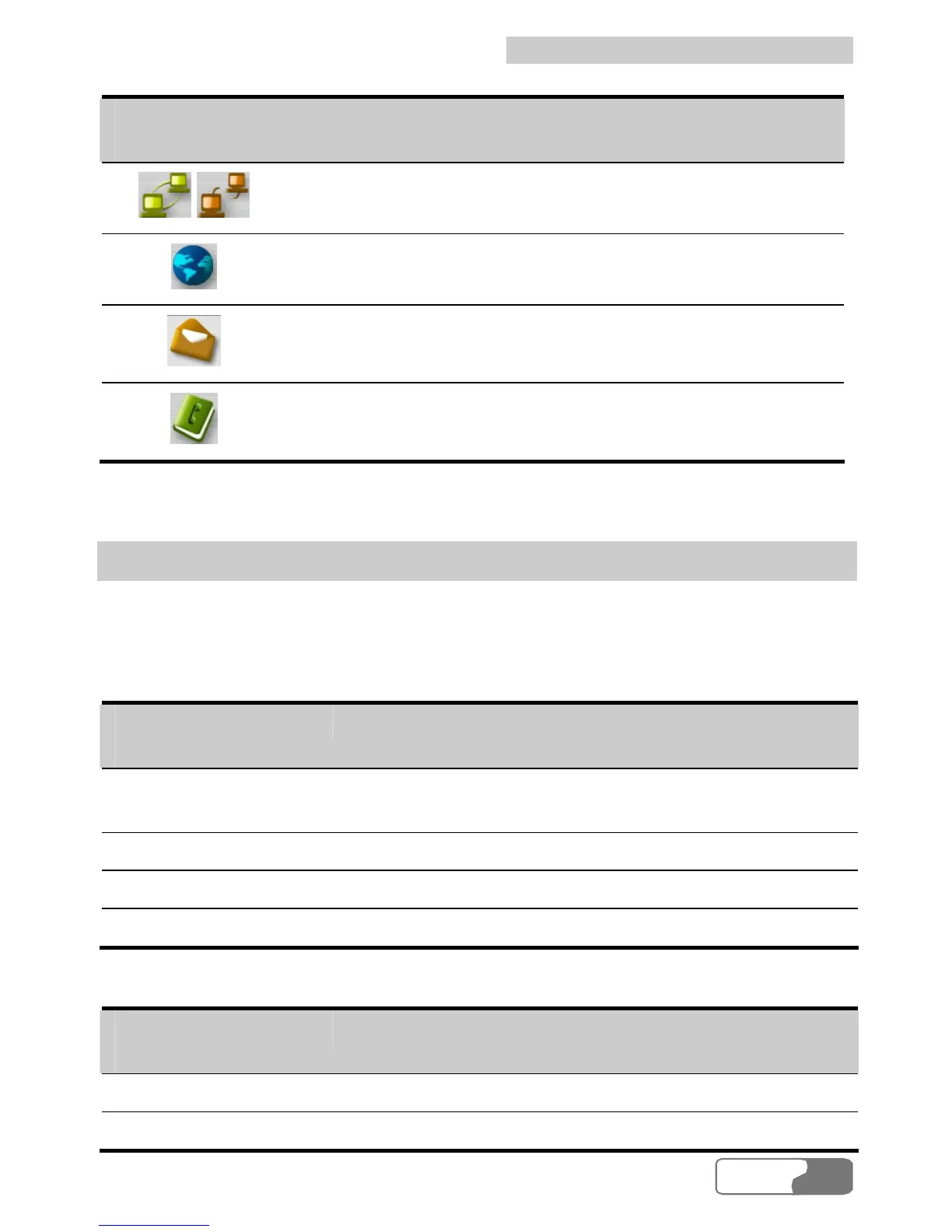
Icon/Shortcut
Key
Description
/ /F2
Connect to/Disconnect from the network.
/F3
Launch the IE.
/F5
Display the SMS interface.
/F6
Display the Contacts interface.
Status Information
The status information shown on the right panel varies with the ongoing service.
The following two tables list the status information and description.
When the screen is in the minimized status:
Status
Information
Description
Signal
The network type and signal strength. The more the
bars are, the stronger the signal strength is.
Network Service provider information.
Duration The duration of the current data connection.
Volume The volume of the current data connection.
When the screen is in the maximized status:
Status
Information
Description
Signal The network type and the signal strength.
Network Service provider information.
HUAWEI
13





 To Next Page