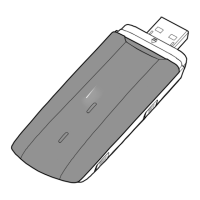
Blue, blinking once every 2s: The USB-Modem is registering with a 4G network.
Green, solid: The USB-Modem is connected to a 2G network.
Cyan, solid: The USB-Modem is connected to a 3G/3G+ network.
Blue, solid: The USB-Modem is connected to a 4G network.
Off: The USB-Modem is removed.
SIM Card Slot
It holds a SIM-card (Subscriber Identity Module).
microSD Card Slot
It holds a microSD Memory-card.
Getting Started
1. Slide the cover off.
2. Insert the SIM card and the microSD card (optional) into the corresponding card
slots, as shown in the following figure. The SIM-card with the golden contact
facing down.
3. Slide the cover back onto the USB-Modem until it snaps into place.



 To Next Page