Starting the Management Program
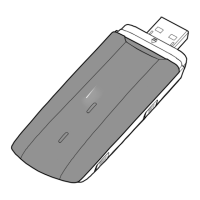
After being installed, the management program starts automatically. Then every time
the USB-Modem is connected to the PC, the management program starts
automatically.
You can also double-click the shortcut icon on the desktop to start the management
program.
The management program will then ask for the PIN-code of the inserted SIM-card.
For a standard (new) SIM-card this PIN is default 0000.
Connecting the Internet
Click on the “Connect” button to make a connection to the Internet. Now the Internet
browser can be started.



 To Next Page