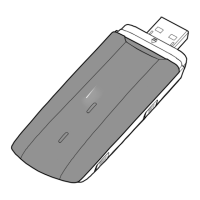
1. Connect the USB-Modem with the PC.
2. The OS automatically detects and recognizes the new hardware and
automatically starts the installation wizard.
Note:
If the installation does not start automatically: Choose “Start”, then “Execute” and
type after ‘open’: E:\AutoRun.exe and click on “OK”.
E: stands for the name that your PC has given to the USB-Modem. This can be for
example also D: or F:.
3. Follow the on-screen instructions of the installation wizard.
4. After the program is installed, a shortcut icon for the management program
appears on the desktop.



 To Next Page