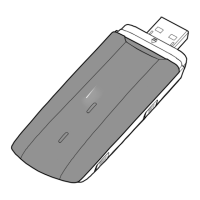
Removing the USB-Modem
1. Double-click in the notification area. Then the Unplug or Eject Hardware
dialog box appears.
2. Select the corresponding hardware and then click Stop.
3. When the message "It is safe to remove the device" appears, remove the
USB-Modem.
Uninstalling the Management Program
1. Choose Start > Control Panel > Add or Remove Programs.
2. Find the management program and click Remove to uninstall the management
program.
Note:
Exit the management program before uninstalling it.
Version: V100R001_01 Part Number: 31010***



 To Previous Page