8
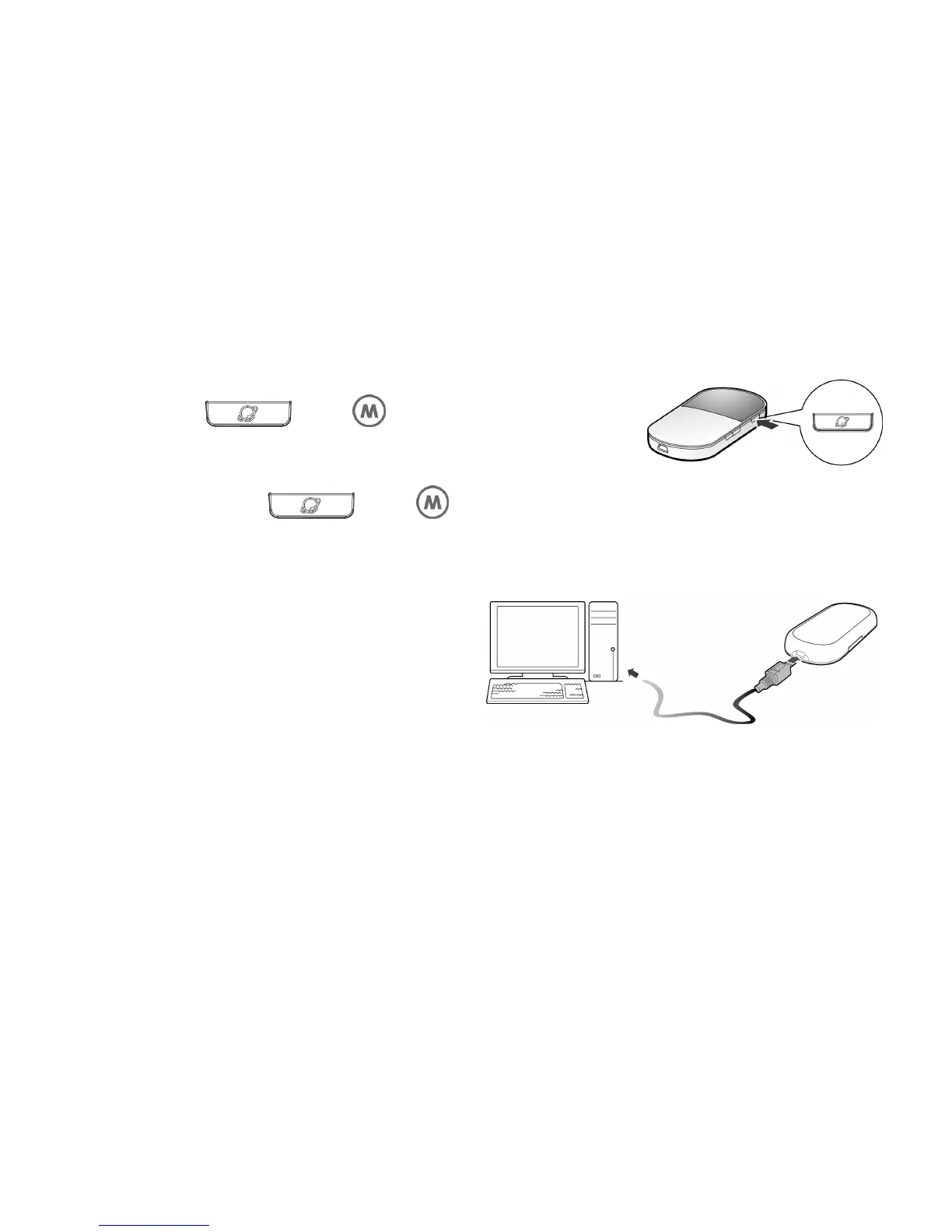
button manually.
Press and hold
until is blinking, the
connection is set up successfully. Then you can use the
Internet service.
Note: Press and hold
until is off, the connection is tore down.
4. How to Install the Management Program
The procedure for installing the
management program depends on the
operating system installed on your PC. The
following section takes Windows XP as an
example.
1. Power on the device.
2. Connect the device and PC with the compatible data cable.
3. The OS (Operating System) automatically detects and recognizes new hardware and
starts the installation wizard.
Note: If the auto-run program does not respond, find the installing file in the driver path.



 To Next Page