4 Installation Description
HUAWEI
26
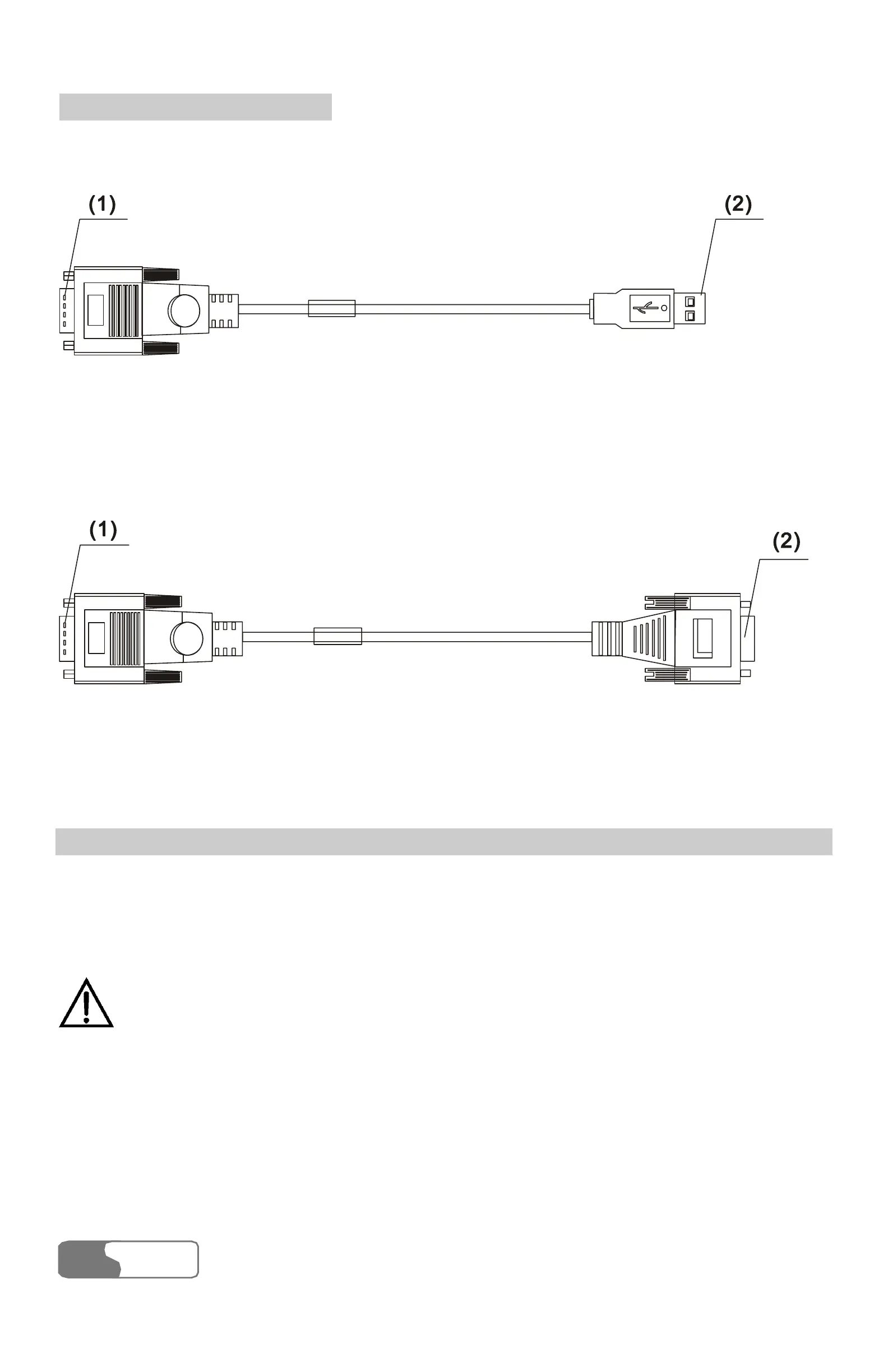
can get USB serial cable as shown in Figure 4-3.
1) Cable connector-D type-9 pin-male 2) Cable connector-USB-4 pin-male
Figure 4-3 USB serial cable
To maintain and debug the FWT, you should purchase serial communication
cable and connect it to a PC, as shown in Figure 4-4.
1) Cable connector-D type-9 pin-male
2) Cable connector-D type-9 pin-female
Figure 4-4 Serial communication cable
Connecting the FWT to a PC through a Serial Communication Cable
As shown in Figure 4-5, connect one end of the serial communication cable to a
PC, insert the other end to the serial port of the FWT, and fasten the captive
screw holding it in place, ensuring that the connection is reliable.
Caution:
To avoid damaging the device when making connection, make sure to
turn off the FWT before making connection and use the special serial
cable provided by the manufacturer.



 To Next Page