HUAWEI
59
11 Introduction to Text Entry
Text Entry Supported
The FWT supports the following types of text entry:
z abc: to input lower case alphanumeric symbols;
z ABC: to input upper case alphanumeric symbols;
z eng: to input lower case words;
z ENG: to input upper case words;
z 123: to input numbers.
When to Use Text Entry
z Adding a contact entry in the phone book, including telephone number and
name;
z Modifying a contact entry in the phone book;
z Editing messages.
How to Use Text Entry
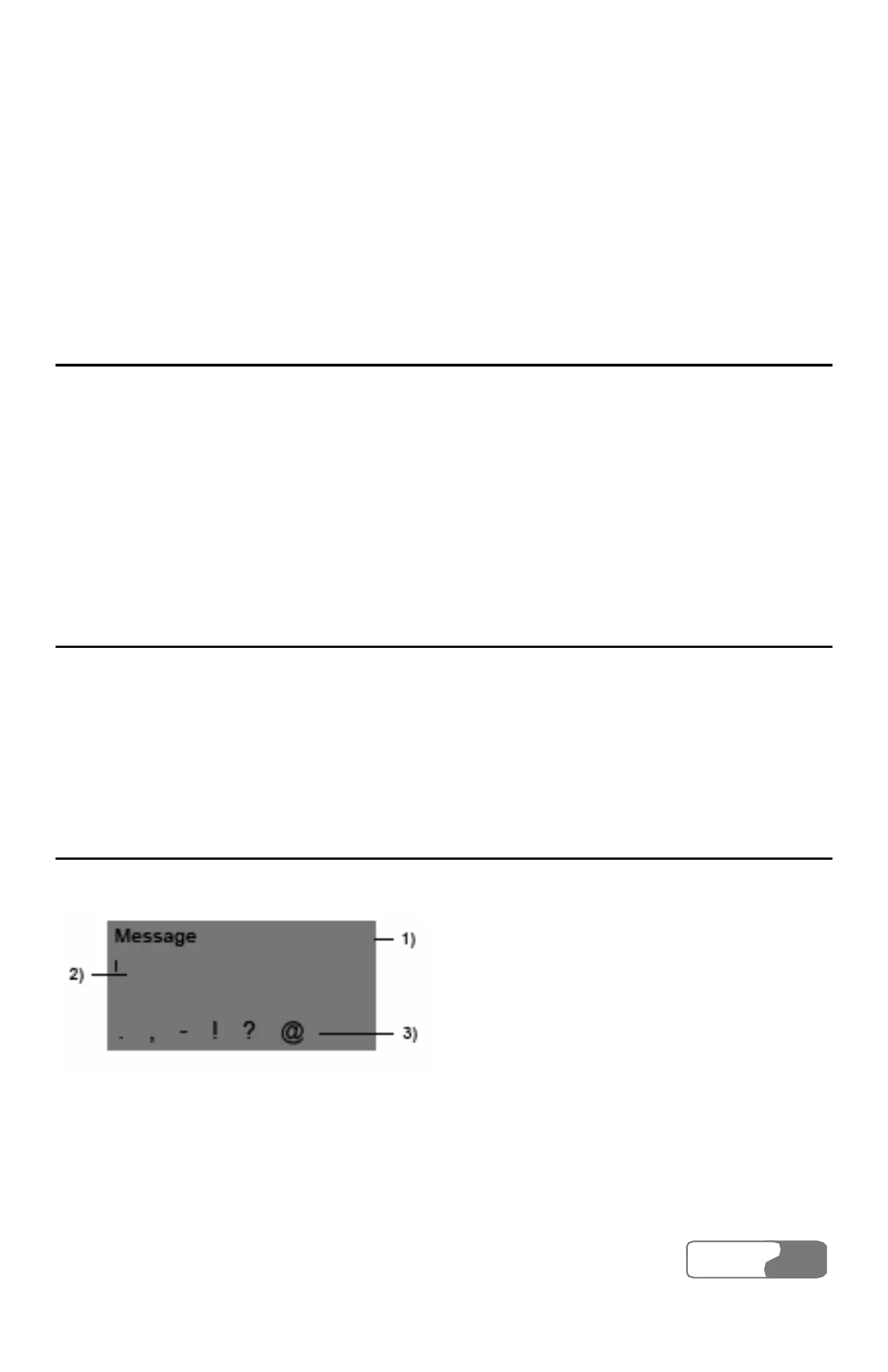
In the following example, to enter "!" in a text message.
1) Text entry selection area 2) Display area and cursor
3) Candidate selection area
Figure 11-1 Display screen of text entry



 To Next Page