2
No. Item Description
1
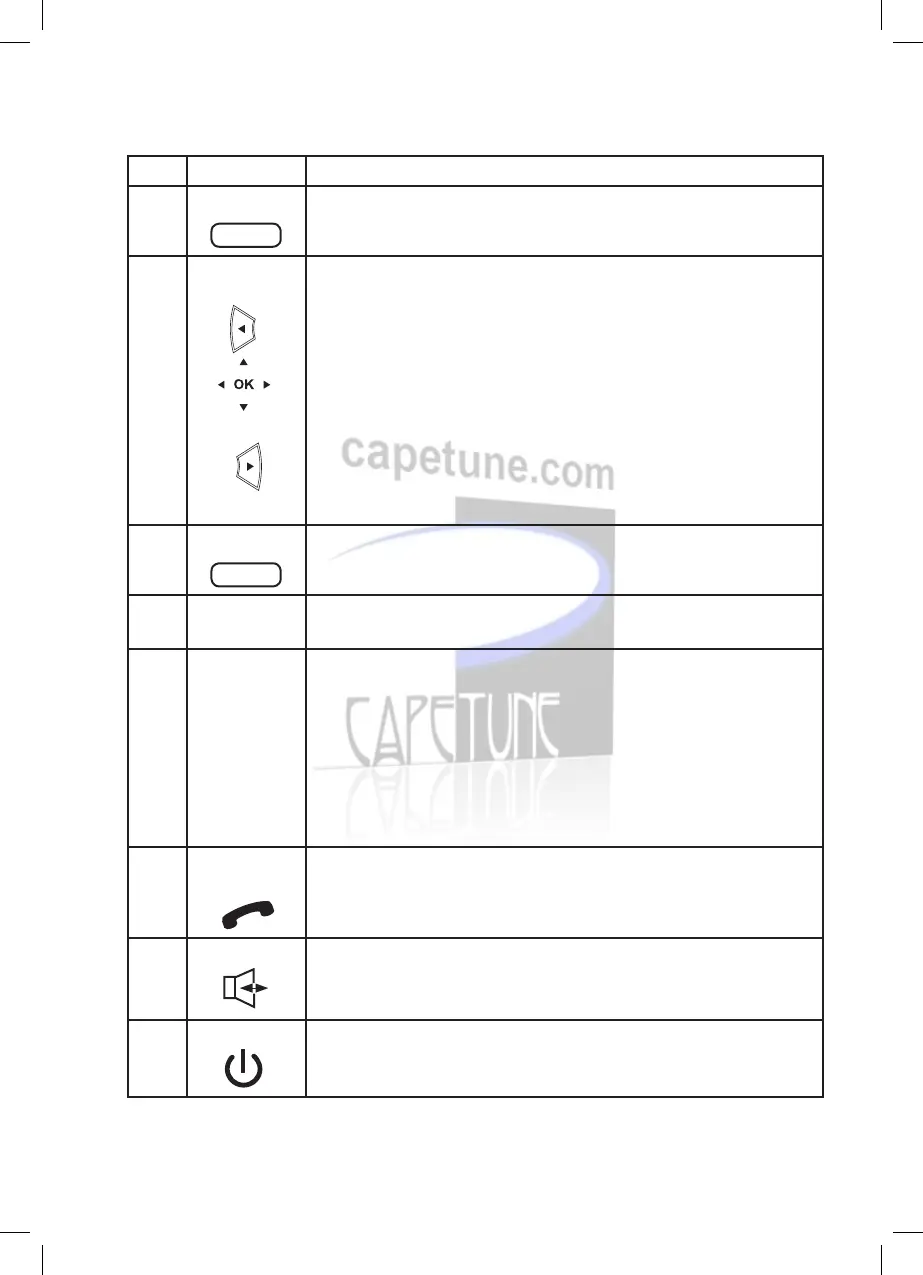
Menu key
•••
• Select to access the phone’s menu including Contacts,
Messages, Call Logs, Tools, Proles and settings.
2
Navigation
keys
Left navigation key
• Allows you to select the call log
• You can select the option displayed in the lower left corner of
the screen.
Right navigation key
• Short code access to write and create a text message.
• Default is standard input mode.
3
Contacts key
•••
• Select this key to enter the phone’s contacts.
4
Speed dial
keys
• Speed-dial a dened phone number in standby mode.
5
Number and
symbol keys
• Enter numbers, letters, and symbols.
• Number keys (2–9): Speed-dial a user-assigned phone number
by pressing and holding a key in standby mode.
• * Key: Switch between text input methods in editing mode.
• # Key: Switch between the predictive English input method
and the traditional English input method in editing mode.
• 1 key: Display the symbol list in editing mode.
6
Call/Send
key
• Make or answer a call.
• View the call log in standby mode.
7
Speaker key • Activate the hands-free mode to dial a number already entered
or answer an incoming call.
8
End key
• End or reject a call.
• Press and hold this key to power the phone on or off.
• Return to the standby mode.
V5102C00310-One Net Desk Phone Guide-EH-V7.indd 2 25/04/2012 15:47



 To Next Page