3
No. Item Description
9
Hold Key
“HOLD”
Transfer Key
“TRANS”
Conference
Key “CONF”
Mute
• Press the hold key to ensure the call is held in progress – a
small capital H appears on the display. This allows for the user
to make choices from the options menu while the call is held.
• Allows the user to re-direct the connected call to another user.
• Allows the user to connect other users into the call in progress.
• Press mute to ensure the other call parties cannot hear you.
During a call the mute button suppresses the receiver and
hands - free microphones.
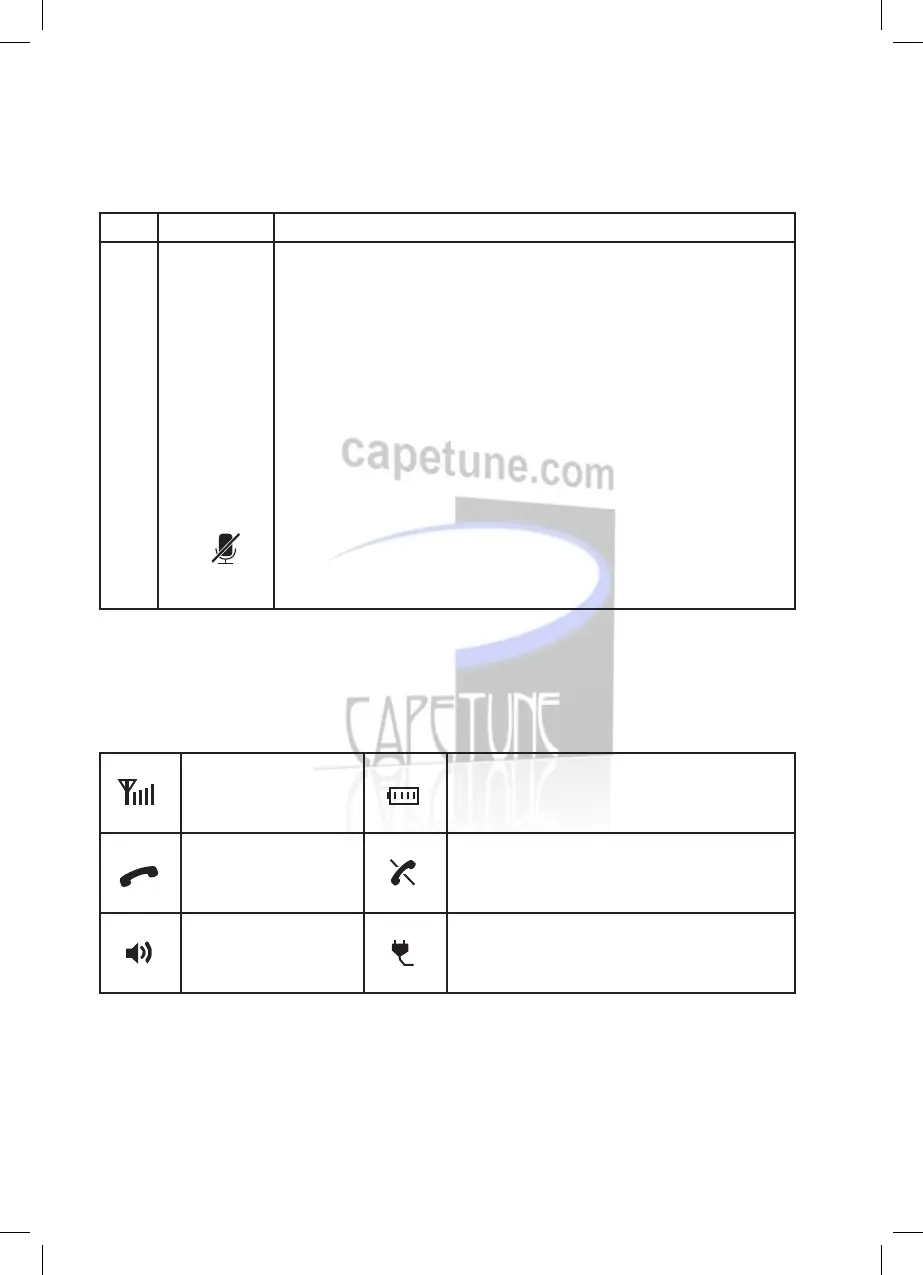
Signal strength Battery level
Call in progress No network available
Hands-free mode Phone powered by the power adapter
Feature access keys
Screen icons
V5102C00310-One Net Desk Phone Guide-EH-V7.indd 3 25/04/2012 15:47



 To Next Page