13
4 Messages
Creating a text message
1. Select Messages > Write SMS.
2. In the message editing screen, select Options to perform operations in the
option list.
3. After editing the message, press
key to add a recipient's number.
4. Press
key to send the message.
Note:
The maximum number of English letters in a single text message is 160. If
the characters you entered exceed this limit, the text is divided into two or
more continuous messages when it is sent.
Viewing a text message
Your FWT provides three mailboxes for message. Inbox stores received messages.
Drafts stores the messages that you save and that fail to be sent. Sent stores sent
messages.
1. Select a mailbox from Messages. And then switch three mailboxes through the
scroll key.
2. Select a message, and then select Options to perform the operations of the
option list.
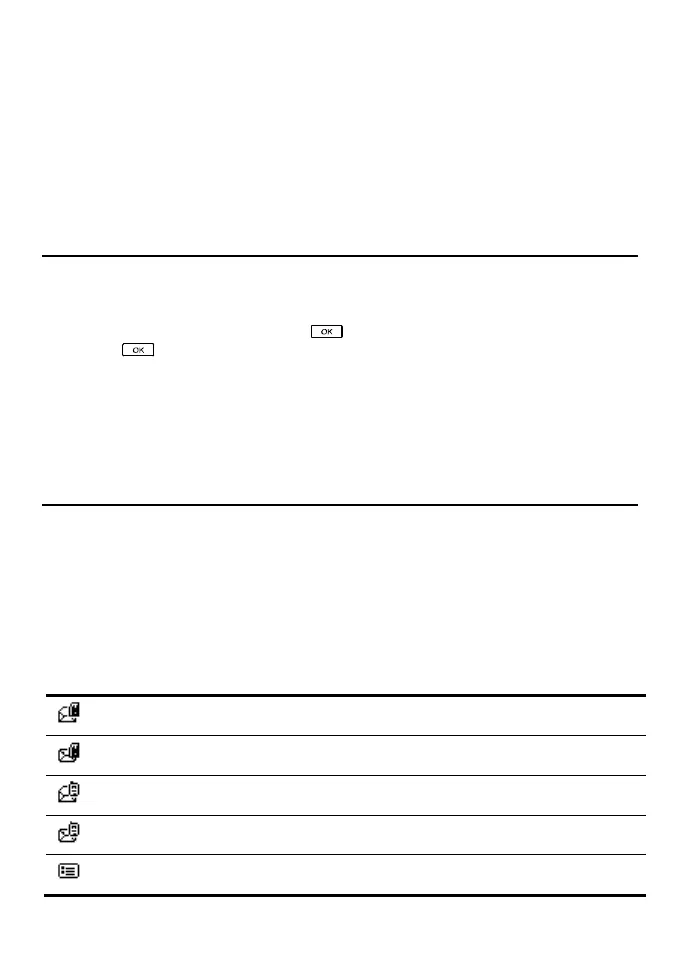
A read message in the SIM card memory
An unread message in the SIM card memory
A read message in the FWT memory
An unread message in the FWT memory
A message report



 To Next Page