14
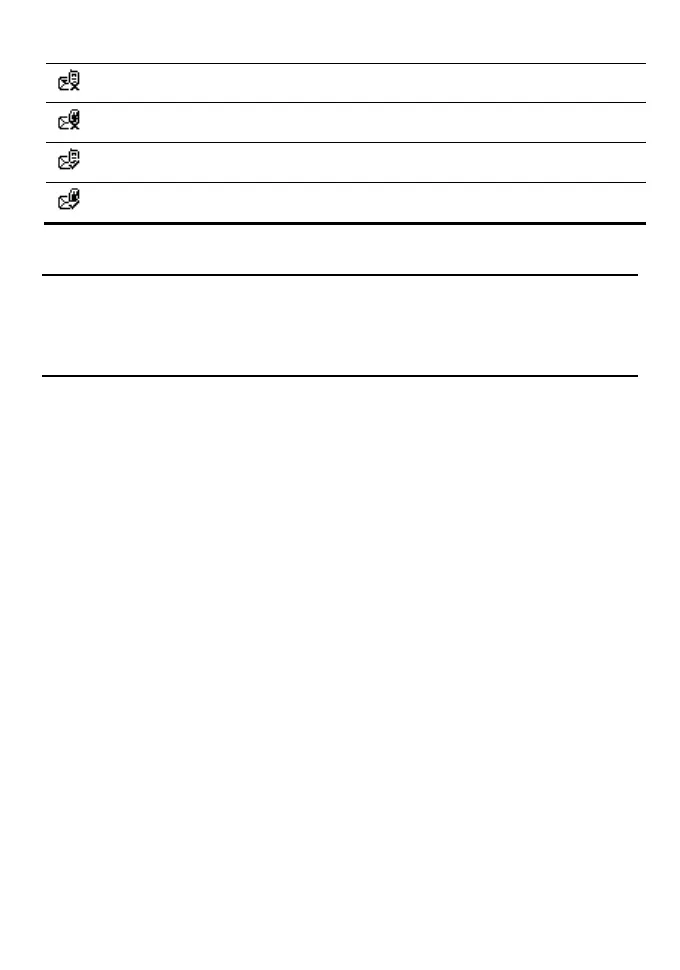
A text message that you save to the FWT and that fail to be sent
A text message that you save to the SIM card and that fail to be sent
A text message sent and saved to the FWT
A text message sent and saved to the SIM card
Message settings
1. Select Messages > Settings.
2. Set the parameters related to messages.
Delete all
You can select Messages > Delete all to delete the messages in Inbox, Sent, or
Drafts.



 To Next Page