01
Copyright © Huawei Technologies Co., Ltd. 2021. All rights reserved
.
FusionPower6000 V100R021C10 Quick Guide
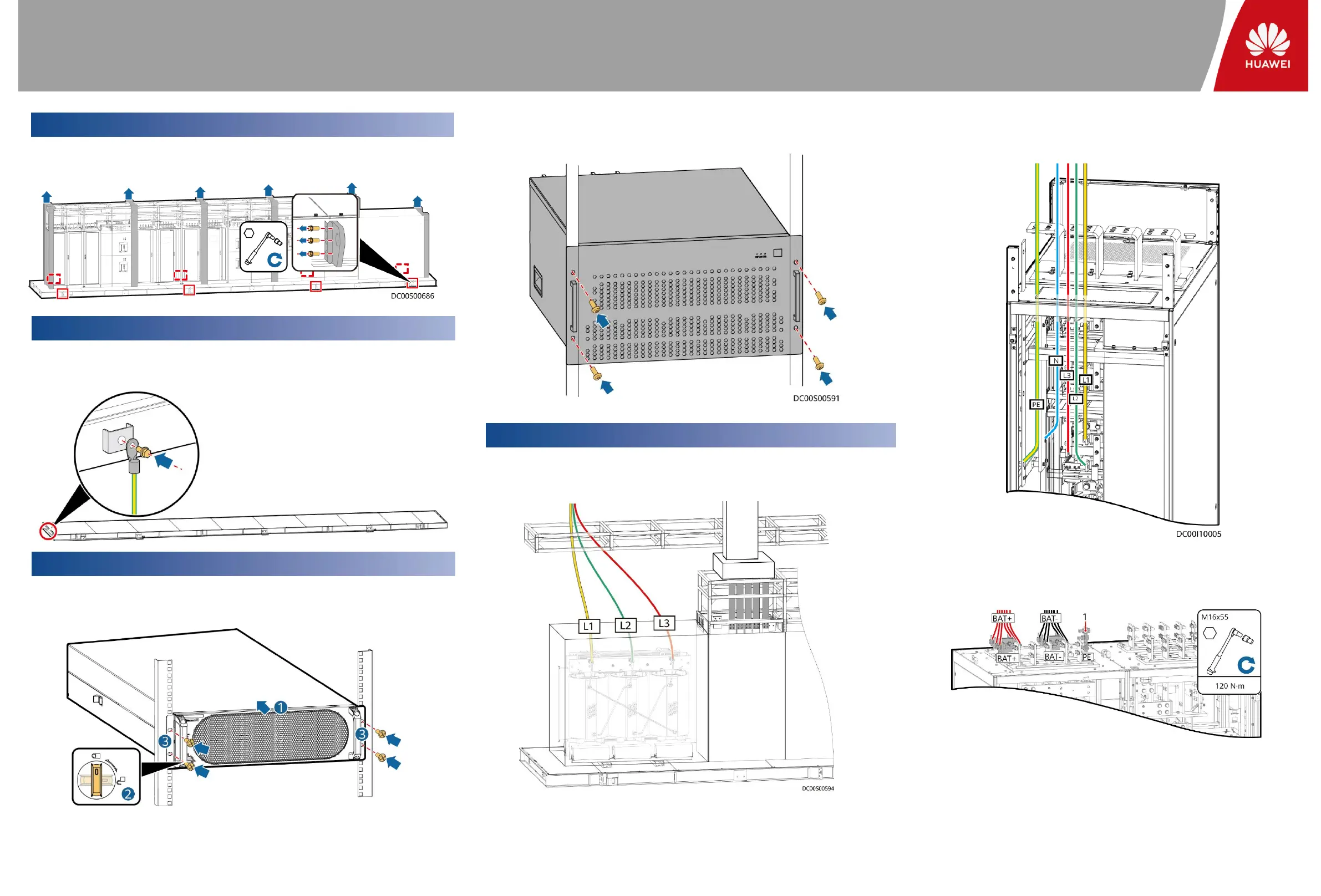
1. Cut open the protective covers using a utility knife and remove the protective covers.
2. Remove mounting ears from the base and protective parts.
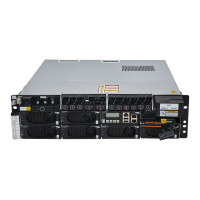
1. Move power modules to the reserved positions in the UPS. Rotate the ready switches to the
locked state. Secure the power modules.
2. Move an SVG module to the reserved position in the SVG cabinet. Install and secure the
SVG module.
07
Grounding a PowerPOD
08
Installing Devices Inside a PowerPOD
09
Installing Cables
1. Connect input power cables to the transformer and the dense busway of the bus tie cabinet.
2. Remove the top cover and the rear panel from the feeder cabinet as required.
Connect output power cables.
3. Install battery cables for the UPS.
(1)Connect the ground cable of the battery
string or its BBB box to the battery PE of the UPS
or the ground bar in the equipment room as
required.
06
Removing Mounting Ears from the Base and Protective Parts
Connect the ground cables to the ground points of the PowerPOD using M8/M6 stainless steel bolt
assemblies. Route the ground cables through plastic-coated metal hoses based on site
requirements.






 To Next Page