2
2 Connecting Cables
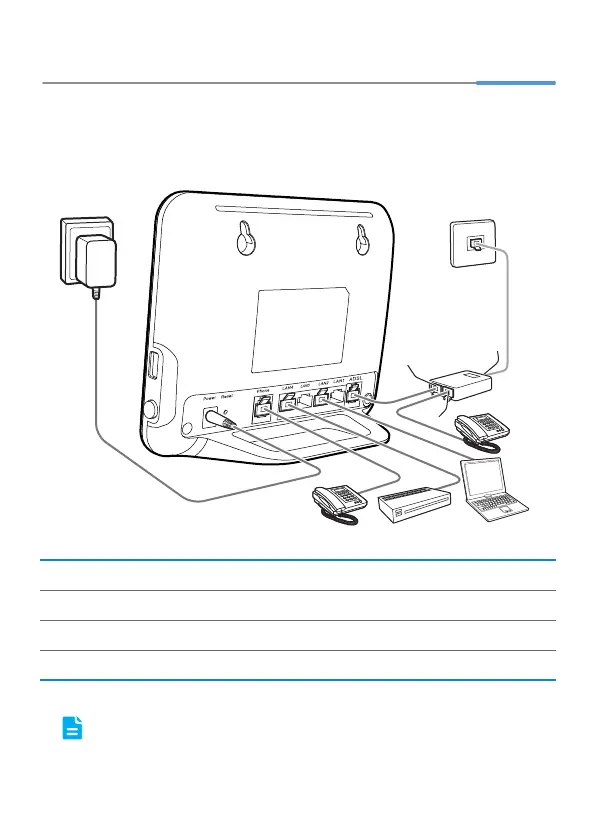
If you have subscribed to digital subscriber line (DSL) broadband, you can connect
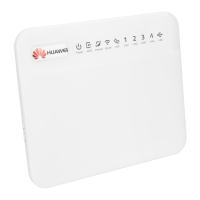
the HG552f to a telephone port for Internet access.
Follow the steps in the following figure to connect devices properly.
When configuring the HG552f for the first time, use an Ethernet cable to
connect the HG552f to a computer.
1 Telephone wall jack 2 Splitter 3 Telephone
4 Computer 5 Set-top box 6 HG552f
7 Power adapter
a MODEM port b PHONE port c LINE port
USB
On/Off
1
2
3
4
5
3
6
7
a
c
b






 To Next Page