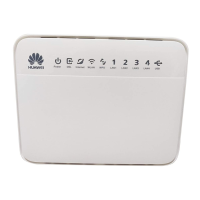
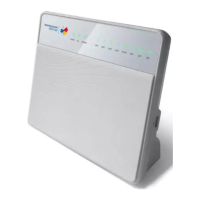
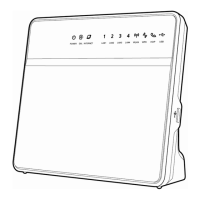
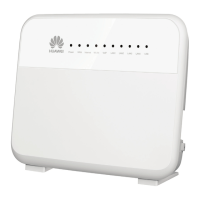
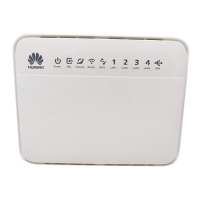
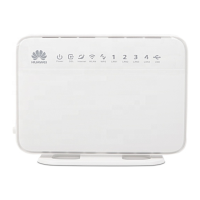
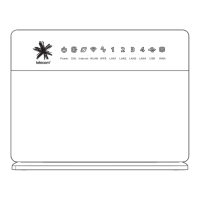
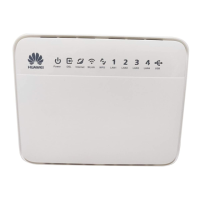
Basic troubleshooting if lights do not show as
above:
Leave HG659 powered on for 5 minutes, with all cables
connected. Check lights again. If they do still not show as
expected check info below on how to continue:
Power: Off
Check power supply unit is connected to HG6591.
Check power switch on HG659 is turned on (found on right2.
side)
Check power point works with another appliance3.
If the power light is off, go to the Bigpipe Support4.
Centre and contact support.
Power flashing or red
Go to the Bigpipe Support Centre and contact support.
WAN: Off (or flashing green)
Check that DSL port is connected properly.1.
Try connecting at other jackpoints around house2.
If WAN is still off or flashing, go to the Bigpipe3.
Support Centre and contact support.
Internet: Off (or flashing green without first turning solid
green)
Factory reset HG659.1.
Wait for 5 minutes2.
If internet is still off or flashing, go to the Bigpipe3.
Support Centre and contact support.
How to connect on UFB
How to connect with a Bigpipe modem on the Starter, Pro or
Elite plans


 To Next Page
 Loading...