1 Download and Installation
This chapter describes how to download and install the IdeaShare client and the
recommended OSs.
Mobile Client
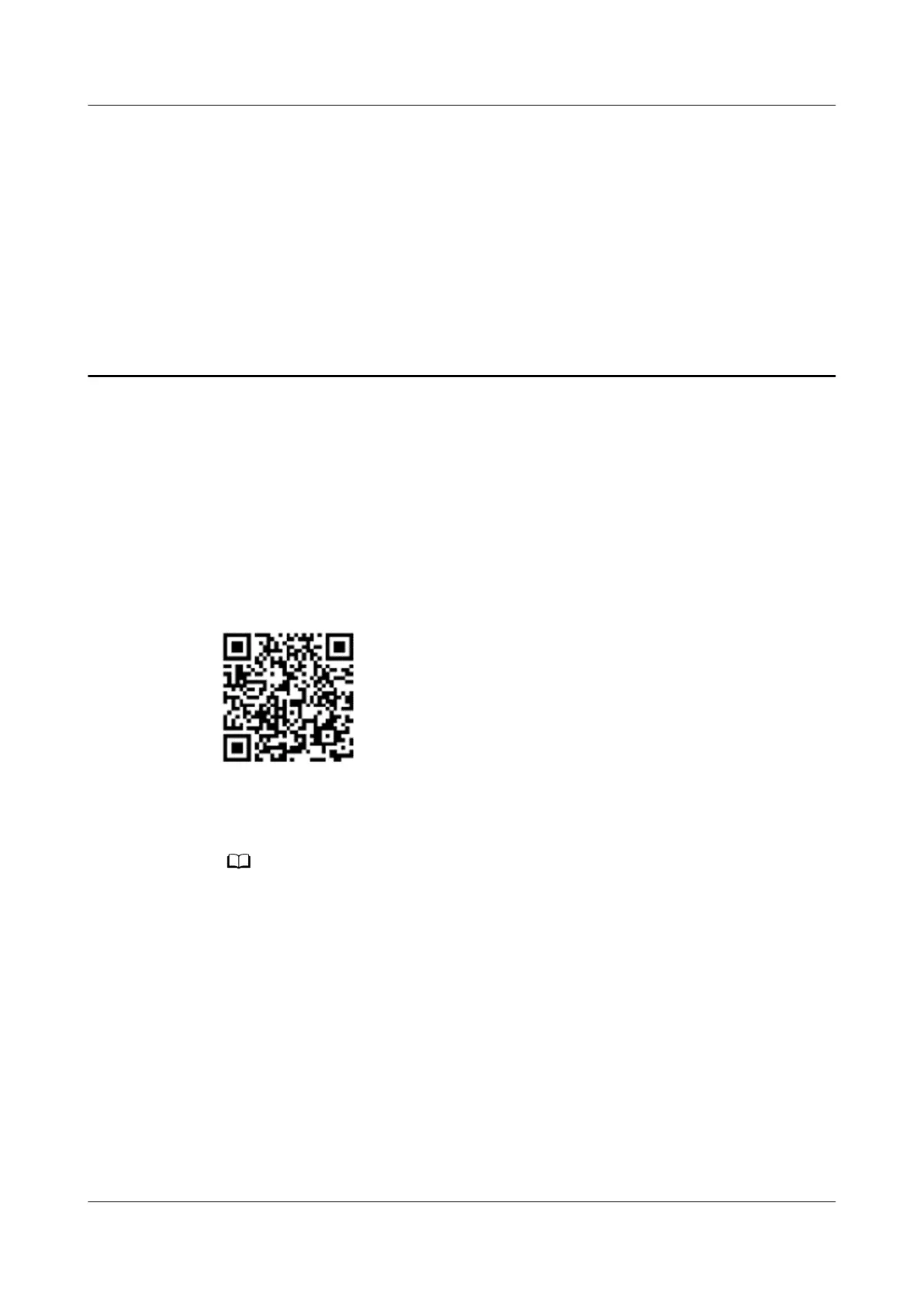
Method 1: Scan the QR code shown in Figure 1-1 and follow the instructions to
download and install the IdeaShare mobile client.
Figure 1-1 IdeaShare QR code
Method 2: On a Huawei or iOS mobile phone, search for IdeaShare in the mobile
app store, and download and install the IdeaShare mobile client.
The following OS versions are recommended:
● Android 8.0 or later
● HarmonyOS 2.0 or later
● iOS 13.0 or later
Computer Client
Open https://www.huaweicloud.com/intl/en-us/product/ideashare.html using
a browser on the computer, and download and install the IdeaShare computer
client.
IdeaShare
User Guide 1 Download and Installation
Issue 01 (2023-03-30) Copyright © Huawei Technologies Co., Ltd. 1



 To Next Page