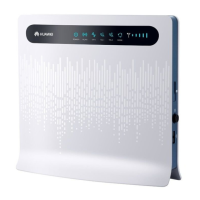
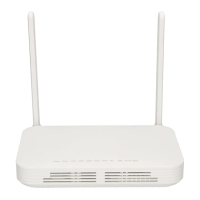
If your home gateway is a Huawei smart gateway (consult your device provider for
more information), the Wi-Fi SSID and password of the gateway will be automatically
synchronized to the K562e, and there is no need to reset the Wi-Fi parameters of the
K562e.
2. Set Wi-Fi parameters for the K562e.
a. Connect a mobile phone or computer to the K562e Wi-Fi (no password).
For the Wi-Fi name, see the SSID on the device nameplate.
b. Open the browser and enter the IP address (see the nameplate at the
bottom of the K562e).
c. Enter the login username and password (see the nameplate at the
bottom of the K562e).
d. Click Start, modify the Wi-Fi SSID and password on the My Wi-Fi page,
and reconnect to the new Wi-Fi to access the Internet.
K562e
Quick Start-02 2 Network Expansion
Issue 02 (2021-06-25) Copyright © Huawei Technologies Co., Ltd. 6


 To Next Page