l Switch on Auto-update over Wi-Fi to automatically update your Magazine Unlock
wallpapers when your phone is connected to the Internet over Wi-Fi.
Accessing tools from the lock screen
Access tools directly from the lock screen.
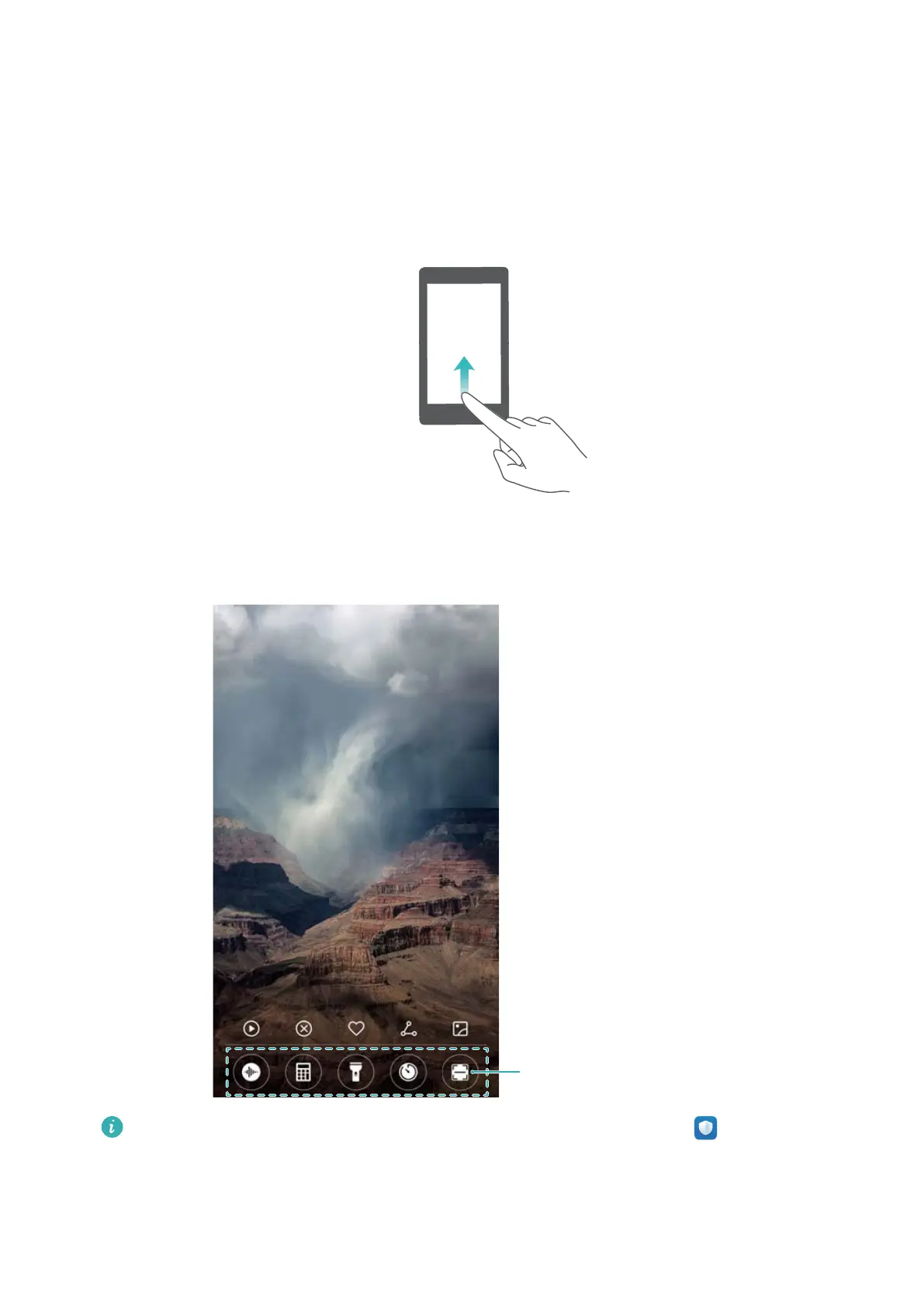
1 Swipe up from the bottom of the lock screen to display lock screen features and tools.
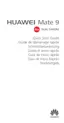
2 Touch the tool that you want to access.
Toolbar: Recorder, calclator,
flashlight, clock, scanner
To access the scan feature, you must enable camera permissions in Phone Manager.
Configuring your lock screen signature
Configure a lock screen signature to personalize your lock screen.
Screen and Display
31



 To Next Page