l Audio will also be recorded, so make sure that you are in a quiet environment.
l Recording will stop automatically when you make or receive a call.
l When making a screen recording, you will not be able to use the recording feature in other
applications.
l Longer recordings will take up more space on your phone's internal storage, so ensure
there is enough space before recording.
You can stop a screen recording in three ways:
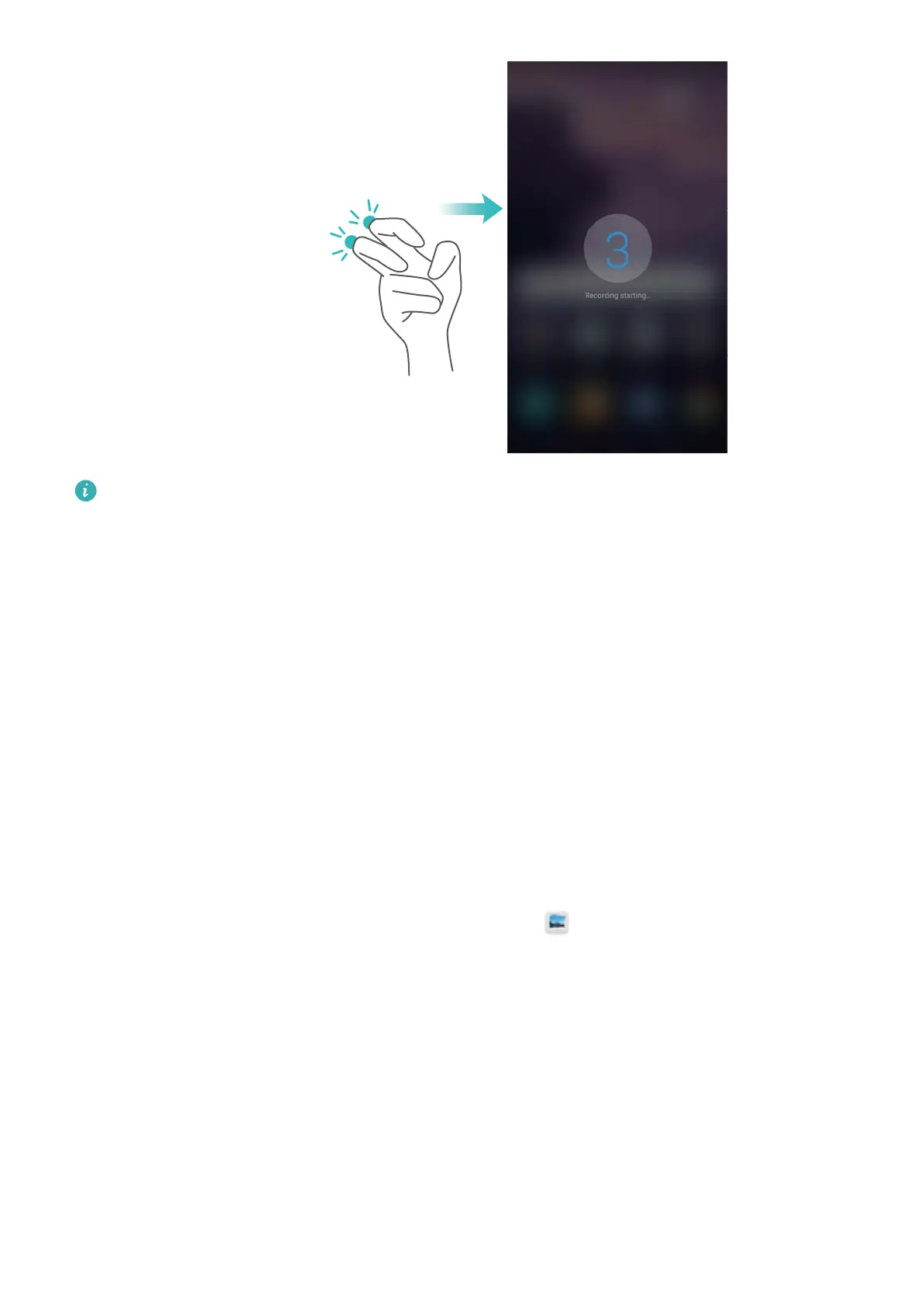
l Knock the screen twice with two knuckles
l Press the volume up and power buttons simultaneously.
l Touch the screen recording icon in the upper left corner of the status bar.
Viewing, sharing, and deleting screen recordings
Viewing screen recordings
Go to the Screenshots or Screen recordings folders in
Gallery to view screen recordings.
Screen and Display
49



 To Next Page