Sharing screen recordings
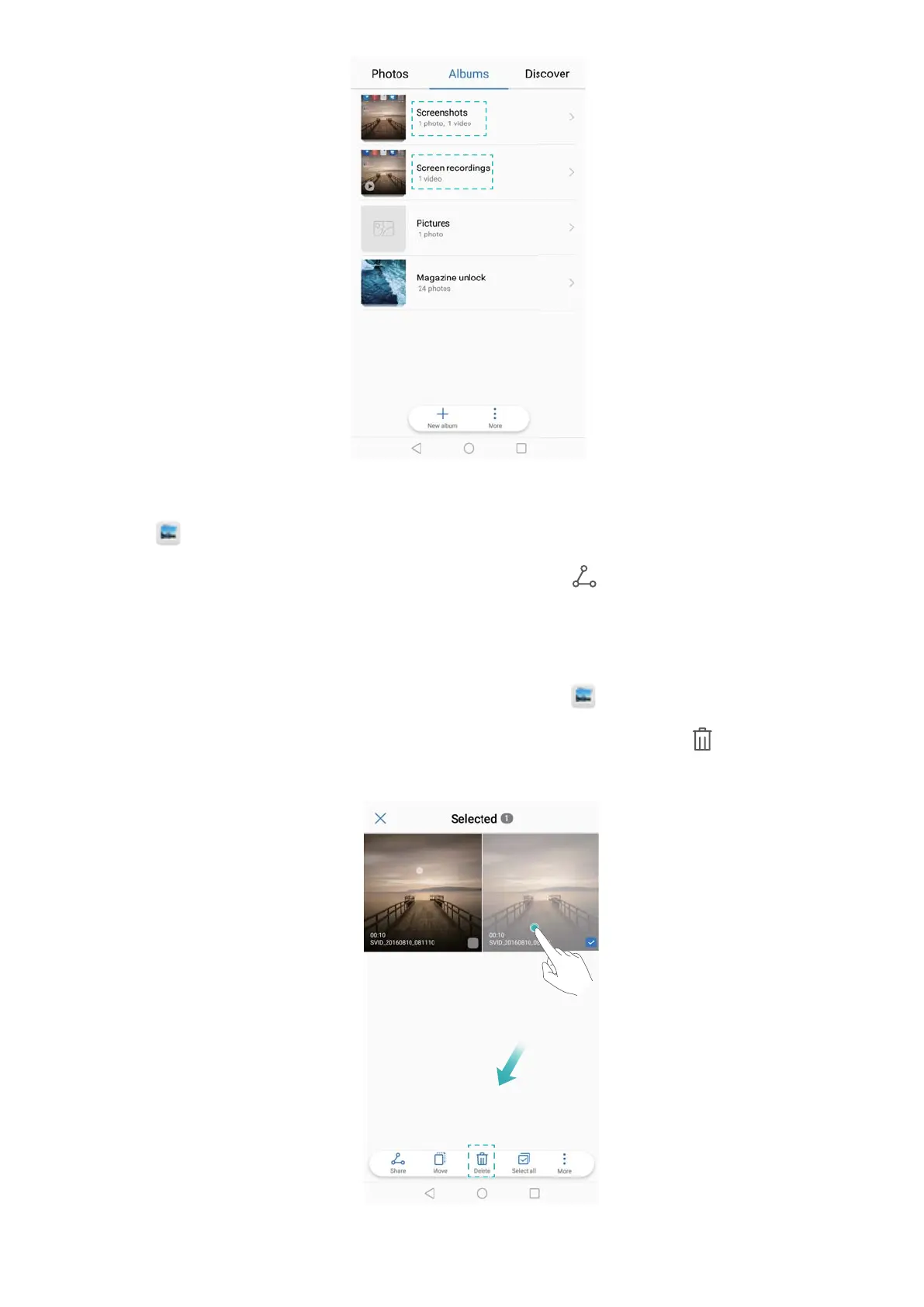
1 Touch Gallery > Screen recordings.
2 Select the screen recording you want to share and touch .
3 Choose how you want to share the screenshot.
Deleting screen recordings
1 Go to the Screenshots or Screen recordings folders in
Gallery.
2 Touch and hold the screen recording that you want to delete and select Delete.
Screen and Display
50



 To Next Page