Mobile Wi-Fi
™
User Guide
2
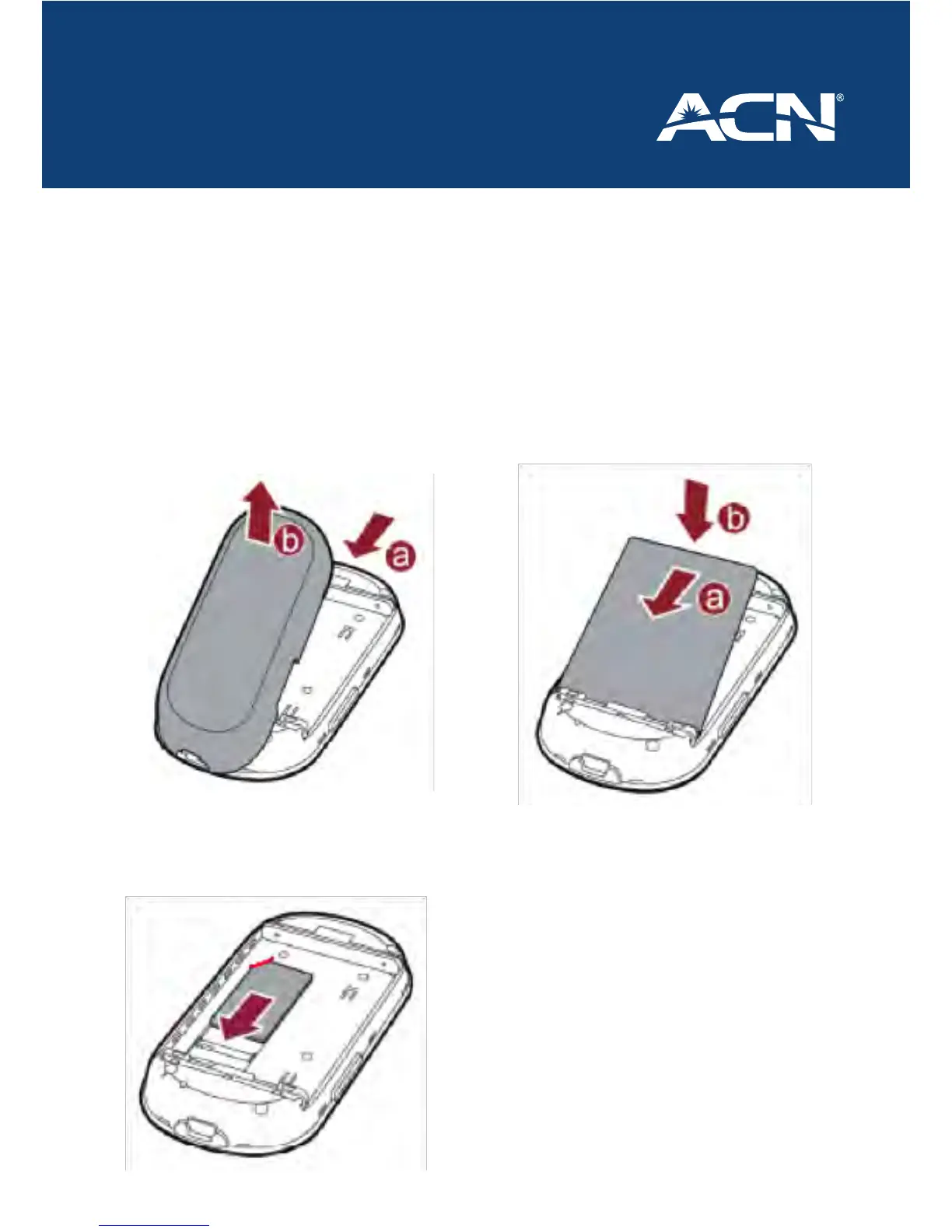
Inserting the SIM and Battery
Note: Before inserting the battery and SIM note down the SSID and Wi-Fi Key
1. Press the button and hold at the
top of the modem – (a)
Pull the back cover o while still
holding the button – (b)
2. Insert the SIM with the ACN Logo
Facing you and the cut o corner
at the top left
3. Install the battery by inserting the
contact end rst – (a)
Then click the battery down – (b)
4. Replace the back cover onto the
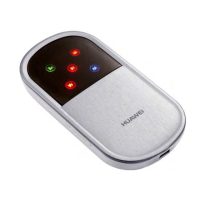
Pocket Wi-Fi








 To Next Page