Huawei Proprietary and Confidential
Copyright © Huawei Technologies Co., Ltd.
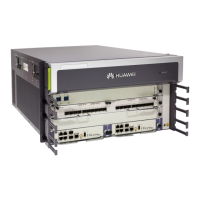
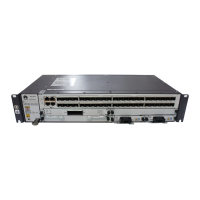
Fixed Interface Board
Table 4-8 Buttons
This button is used to reset the MPU. Press and hold the button for 3
seconds or longer, the board is reset, and the SYS-STAT indicator
keeps blinking.
Table 4-9 Indicators
If this indicator is steady green, the board is working properly.
If this indicator is steady red, the hardware on the board is faulty.
If this indicator is off, the board is not powered on or not registered.
If this indicator is steady green, the link is Up.
If this indicator blinks, data is being received and transmitted.
If this indicator is steady off, the link is Down.
Table 4-10 Management interfaces
Interface for
10GE optical
signal input and
output
Interface for
GE optical
signal input and
output
Ethernet
interface
(10M/100
M/1000
M
Base-TX
autonegot
iation)
Super category 5 shielded twisted
pair
Console/
AUX
hybrid
interface
It connects to
the console for
on-site system
configuration.


 To Next Page
 Loading...