When the dotted line overlaps with the solid line, it indicates that the camera is parallel
with the horizontal level.
Manage Gallery
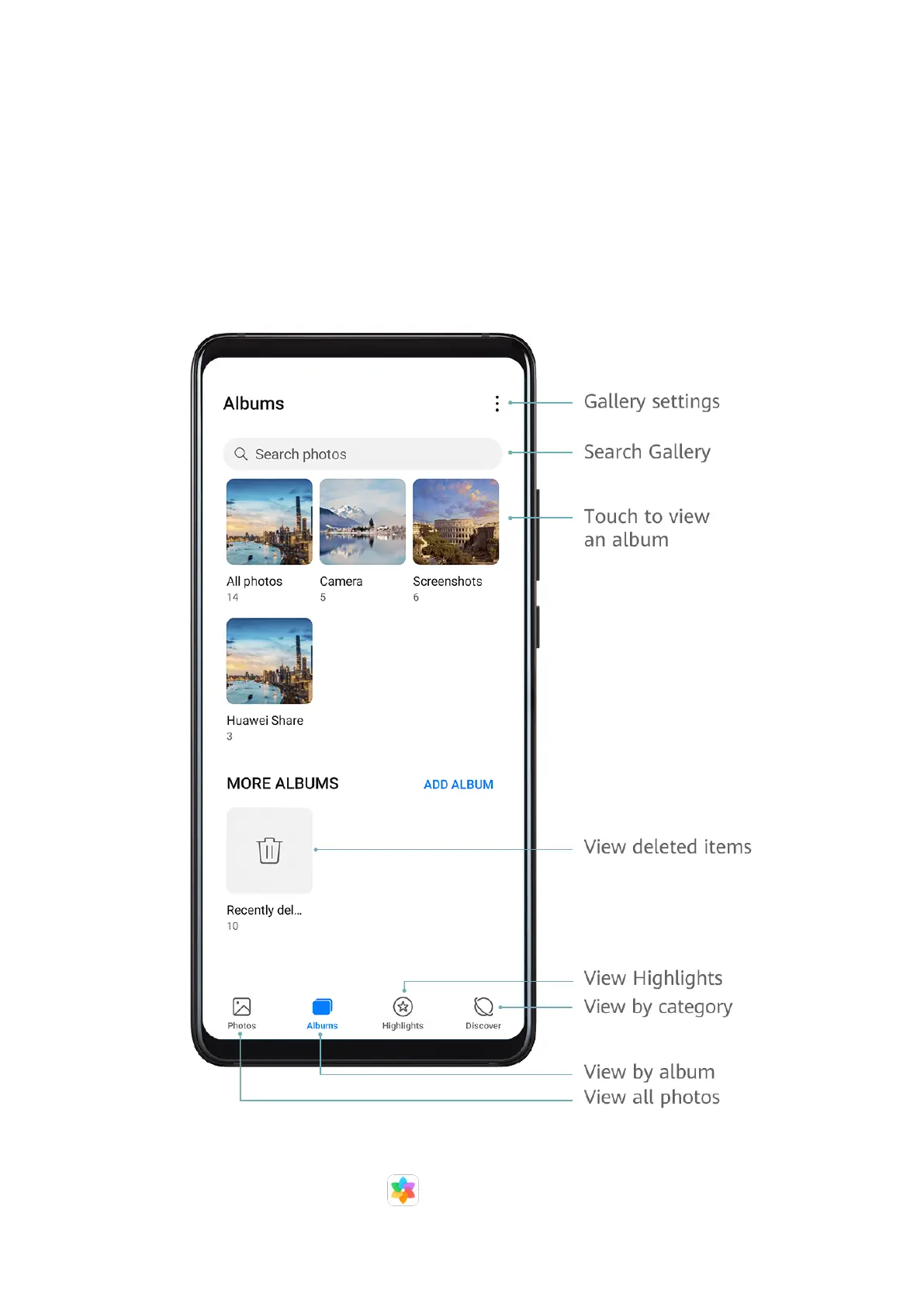
View Photos and Videos
In Gallery, you can view, edit, and share your photos and videos, as well as browse the clips
automatically generated from them.
View by Shooting Time
Your photos and videos are stored in Gallery and can be viewed by time, location,
category, or album.
Camera and Gallery
26



 To Next Page