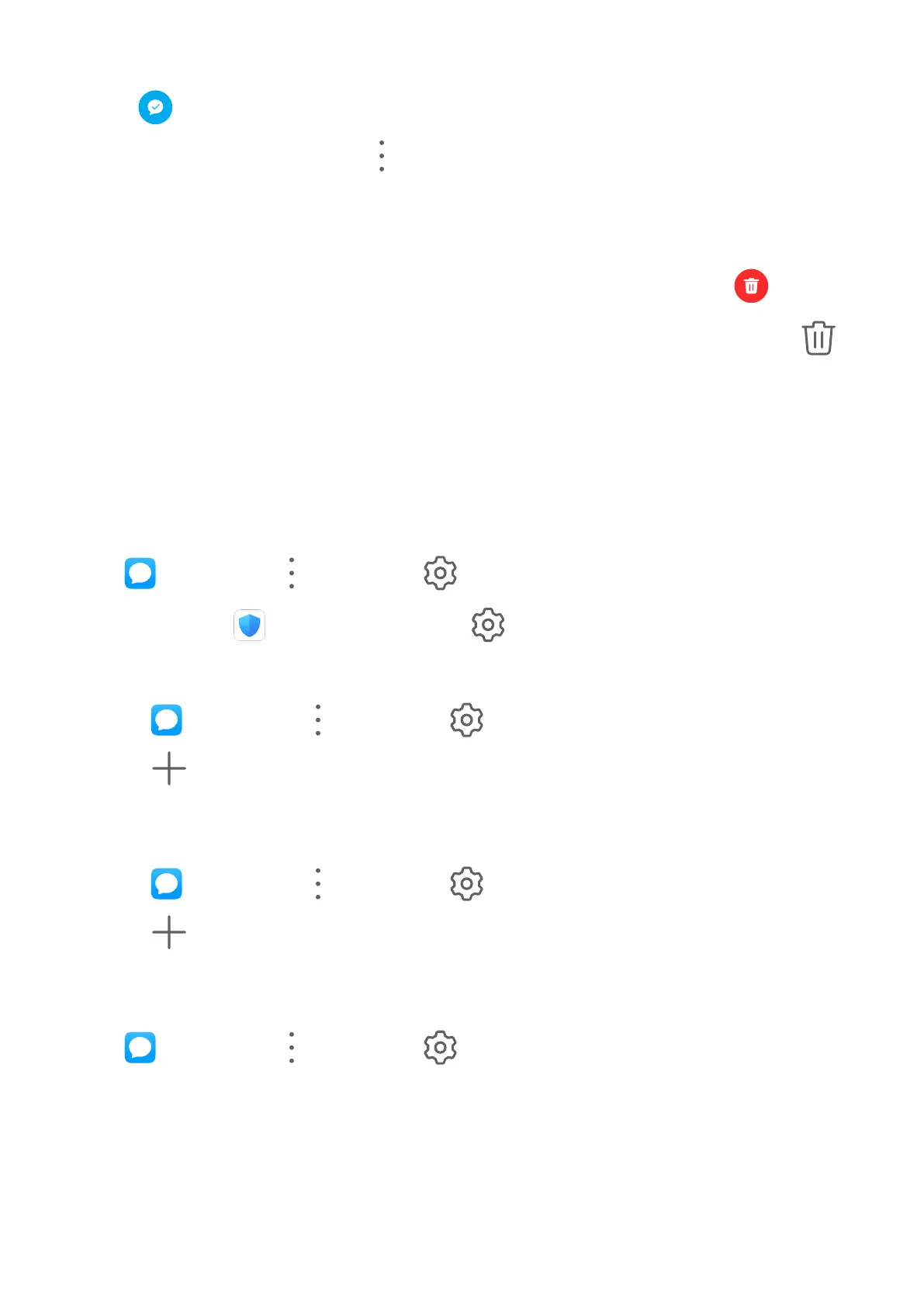
• On the Messaging screen, swipe left on the message that you want to mark as read, then
touch .
• On the Messaging screen, go to > Mark all as read.
Delete a Message
Delete messages using either of the following methods:
• On the Messaging screen, swipe left the message to be deleted, then touch
.
• Touch and hold a message, select multiple messages you wish to delete, then touch .
Deleted messages cannot be recovered.
Filter and Block Spam Messages
Set dierent block rules, such as your blocklist, to block sales, fraud, and other kinds of spam
messages.
Block Spam Messages
Go to Messaging > > Blocked > and set block rules.
You can also go to Optimizer > Blocked > to set block rules.
Block Messages from Specic Numbers
1 Go to
Messaging > > Blocked > > Blocklist.
2 Touch
and add the numbers you want to block. SMS and MMS messages sent by
these numbers will all be blocked.
Block Messages Containing Specic Keywords
1 Go to
Messaging > > Blocked > > Keyword blocklist.
2 Touch
and add the keywords to be ltered. All messages containing these keywords
will be blocked.
Set Whether to Receive Notications for Blocked Messages
Go to Messaging > > Blocked > > Receive notications and set whether to
receive notications when messages are blocked.
Notepad
Apps
42



 To Next Page