Camera and Gallery
88
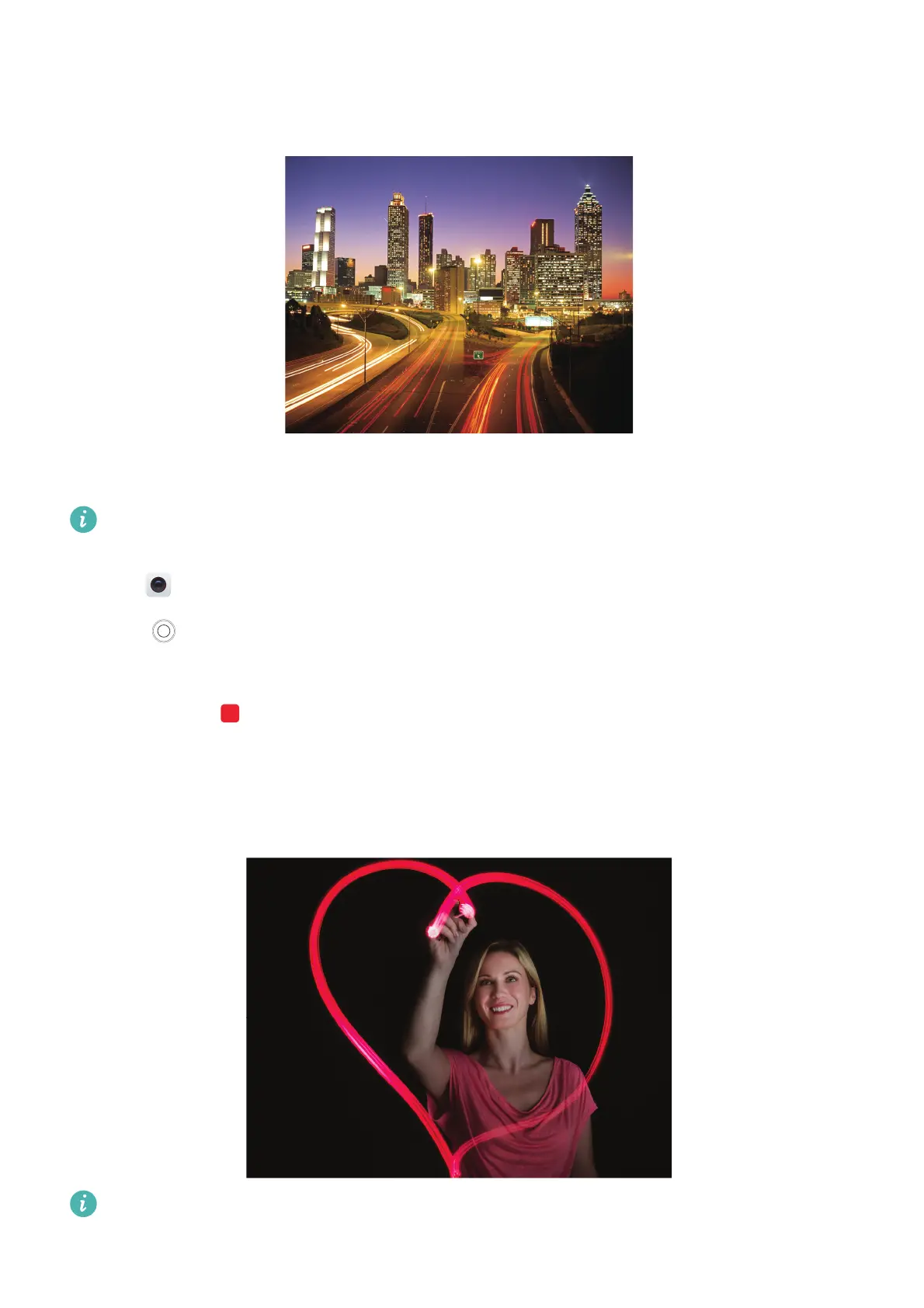
Tail light trails
In Light Painting mode, select
Tail lights
to capture the trails of light made by cars at night.
1
Select a suitable location and hold your phone steady. Use a tripod for long exposures.
Shoot from a distance for the best results. Avoid pointing the camera at car headlights to
prevent parts of the image from becoming overexposed.
2
Open
Camera
and swipe right on the screen. Touch
LIGHT PAINTING
>
Tail lights
.
3
Touch to start the exposure. The exposure time is displayed at the bottom of the screen.
4
A preview of the image is displayed in the viewfinder. When the desired exposure time has
elapsed, touch to end the exposure.
Light graffiti
In Light Painting mode, select
Light graffiti
to create patterns or text by moving a light source
in front of the camera.
Use a small torch or a glow stick to create a pattern.



 To Next Page