Huawei Proprietary and Confidential
Copyright © Huawei Technologies Co., Ltd
To open the Settings page, Quick Setting page, and Control page, you need to enter a password. The
preset user name is admin and the preset user password is 001. You can add or delete users, and change
the user name and password.
3.2 Menu Hierarchy
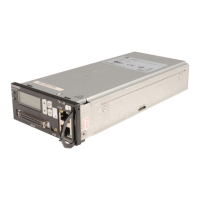
Figure 3-3 shows the LCD main menu. For details about the parameters, see Table 3-1.


 To Next Page