7 Troubleshooting Methods
Huawei Proprietary and Confidential
Copyright © Huawei Technologies Co., Ltd
7 Troubleshooting Methods
This section describes how to rectify common faults of the SMU01A.
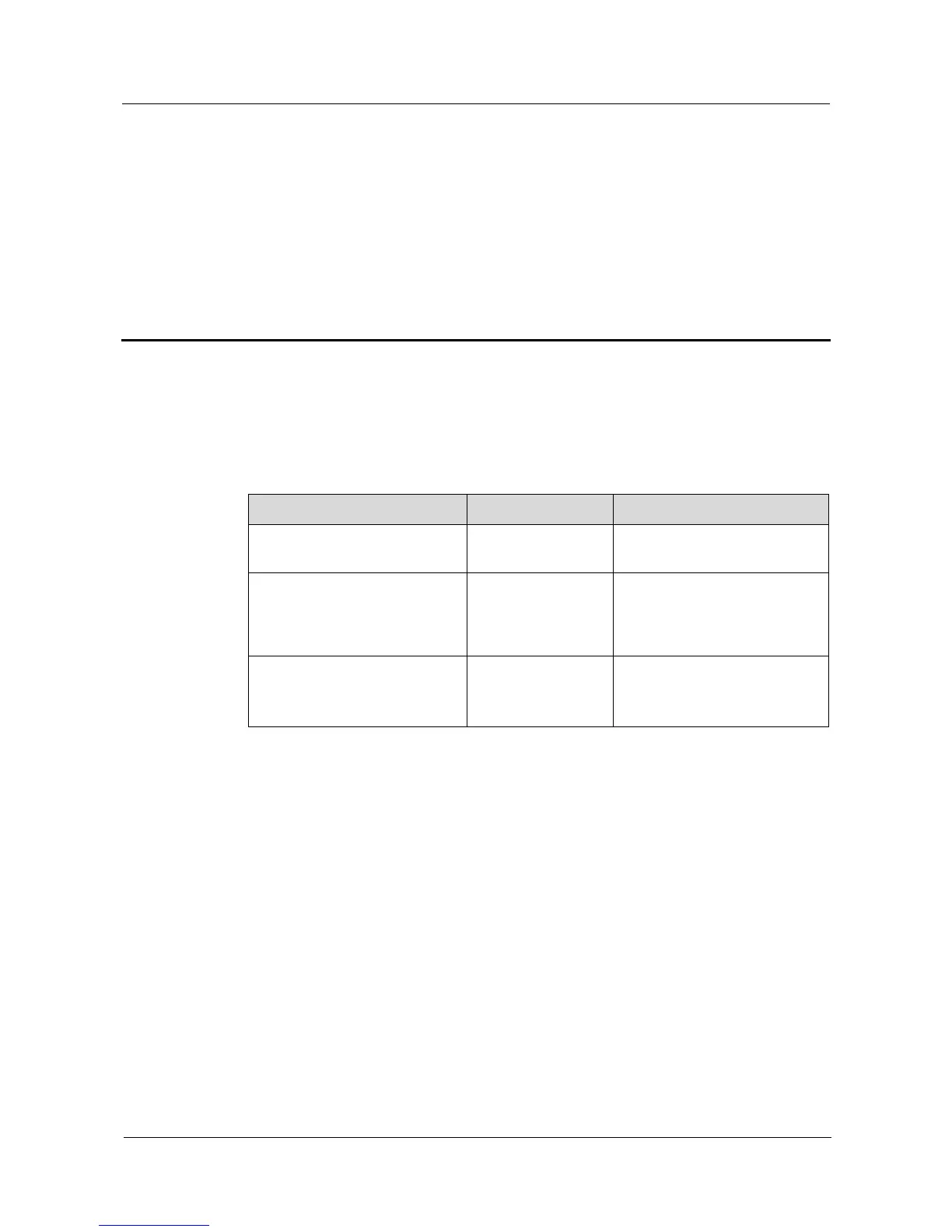
Table 7-1 describes the methods for rectifying the common faults.
Table 7-1 Troubleshooting methods
The alarm indicator is red
A critical or major
alarm is generated.
Rectify faults based on the
alarm information.
The running status indicator
blinks at 4 Hz.
The SMU01A does
not communicate
with the host
properly.
Connect communications
cables properly.
Reseat the SMU01A.
The green indicator on the right
side of the COM port is off.
Network
communication is
interrupted.
Connect Ethernet cables
properly.
Set a correct IP address.


 To Next Page