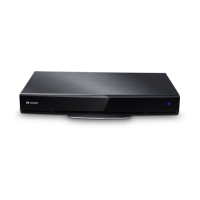
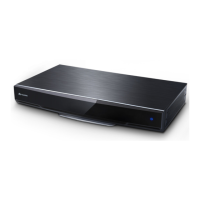
HUAWEI TE40&TE50&TE60 Videoconferencing
Endpoint
Administrator Guide
Huawei Proprietary and Confidential
Copyright © Huawei Technologies Co., Ltd.
3 Network
About This Chapter
This chapter describes the hardware connection to network devices and the settings on
relevant screens required when the endpoint is used in different communication networks.
3.1 Connecting to an IP LAN Network
To implement video communication over an IP local area network (LAN), you must connect
the endpoint to the IP LAN.
3.2 Connecting to a 4E1 Network
Only the TE60 supports 4E1 functions. To implement video communication over a 4E1-line
dedicated network, you must connect the TE60 to the network.
3.1 Connecting to an IP LAN Network
To implement video communication over an IP local area network (LAN), you must connect
the endpoint to the IP LAN.
To connect to an IP LAN, use an IP network cable to connect the LAN 1 port on the
endpoint's rear panel to the network port on a LAN device.
3.1.1 Checking Status Indicators of the LAN Port
The status indicators on the LAN port can quickly provide information about the current
network connection.
There are two indicators working together to indicate the network connection, as shown in
Table 3-1 and Table 3-2.
Table 3-1 LAN status indicators of the TE40 and TE50
The orange indicator blinks.
Data is being transmitted. The green indicator turns
off each time a frame of data has been transmitted.
The green indicator is steady on.
The endpoint is connected to a network.




 To Next Page