User Manual
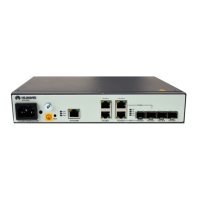
U-SYS IAD208E(M) Integrated Access Device
Chapter 1 System
Huawei Technologies Proprietary
1-5
Table 1-1 Table of IAD208E(M) indicators
Indicator Color Name Meaning
PWR Green
Power
supply
indicator
When local power supply is
connected, it is on. If there is
no power supply, it is off.
When remote power supply
is connected, it blinks. If there
is no power supply, it is off.
RUN Green
Running
indicator
It blinks eight times per
second when loading.
It blinks one time per second
when running normally.
It blinks two times per second
when failing to register with
softswitch.
WAN Green
Indicator for
uplink
interface
When the uplink interface is
normal, it is on, and if no
network cable is inserted, it is
off.
1–8 Green
Indicator for
telephone
user
When the user at the
corresponding interface
hooks off, it is lighted up.
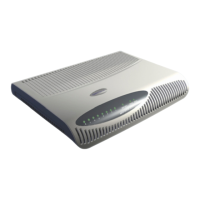
The external interfaces provided by the IAD208E(M) are located
on the back panel as shown in Figure 1-3.


 To Next Page