User Manual
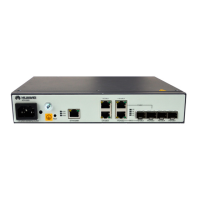
U-SYS IAD208E(M) Integrated Access Device
Chapter 2 Installing Hardware
Huawei Technologies Proprietary
2-8
strip to the gap on the interface and insert the RJ-45
connector. If a “click” is heard, the connector is well plugged.
2) Insert the other end of the network cable into the interface on
the network adapter of the PC. If the LINK indicators on both
IAD208E(M) and the PC are lighted, it means the network
cable is correctly connected.
2.2.5 Connecting Power Cable
Caution:
To ensure safe operation, you must power on IAD208E(M) after all the
other cables have been installed and the installation check has been
passed.
The local power supply of IAD208E(M) is provided by the AC-DC
adapter. The input voltage range is AC 100–240 V, input current is 1.0
A, and input frequency is 50-60 Hz. The DC output voltage is 12 V, the
peak output current is 3 A, and the peak power is 36 W.
Steps for connecting power cables
1) Check whether all the serial port cable, uplink cable and
user cable have been correctly connected. If yes, the
equipment can be powered on.


 To Next Page