User Manual
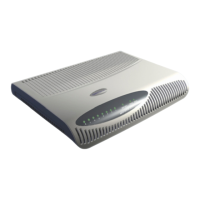
U-SYS IAD208E(M) Integrated Access Device
Chapter 2 Installing Hardware
Huawei Technologies Proprietary
2-9
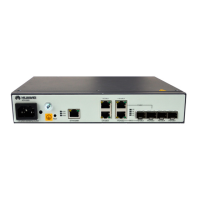
2) Insert the output end of AC-DC power cable into the power
socket on the back panel of IAD208E(M), and the other end
into the external AC power socket.
3) Check whether the power indicator (PWR) on the front panel
is normal. When the local power supply is used, the PWR
indicator on the front panel is lighted.


 To Next Page