User Manual
U-SYS IAD208E(M) Integrated Access Device
Chapter 2 Installing Hardware
Huawei Technologies Proprietary
2-6
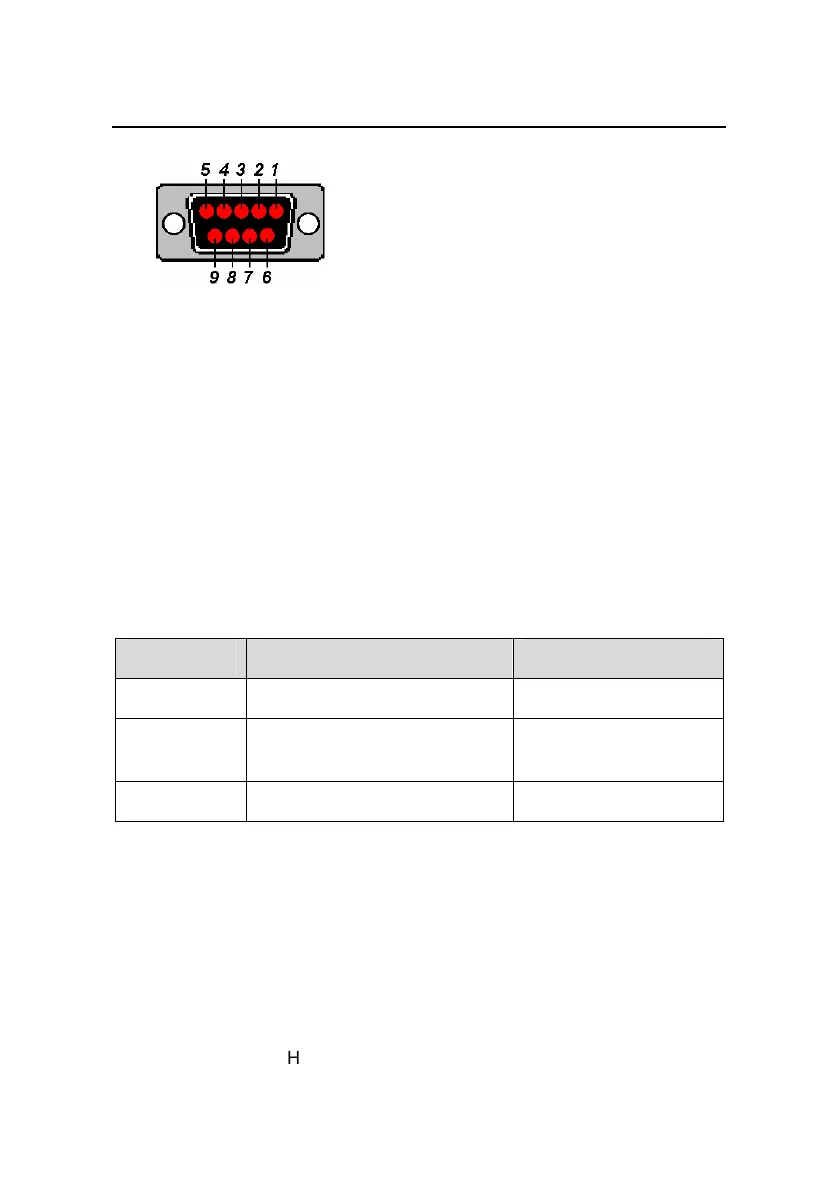
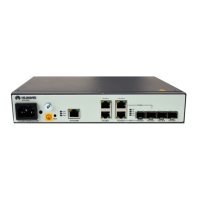
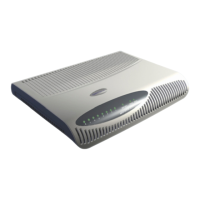
Figure 2-1 Serial port of IAD208E(M)
The serial port is on the right part of the device’s rear panel. It is
labeled as CONSOLE. Features of serial port are: transmission rate of
9600 bit/s, without parity check, 8 data bits, one stop bit, without traffic
control.
The signals tranceived by pinouts are as shown in Table 2-5, and
other unlisted pinouts are not used.
Table 2-5 Pinouts of the connector on console
Pinout Signal Sourcing from
2 TXD (transmit data) DCE
3 RXD (receive data)
DTE (Data Terminal
Equipment)
5 Grounding of signal
IAD208E(M) is connected with the maintenance terminal via a
serial port cable. The delivered serial port cable can connect DB-9
male connector to DB-9 female connector. If the serial port on the
maintenance terminal is not a DB-9 male connector, you should
prepare the serial port cable by yourself.


 To Next Page