User Manual
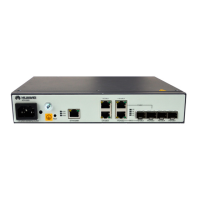
U-SYS IAD208E(M) Integrated Access Device
Chapter 3 Updating Software
Huawei Technologies Proprietary
3-5
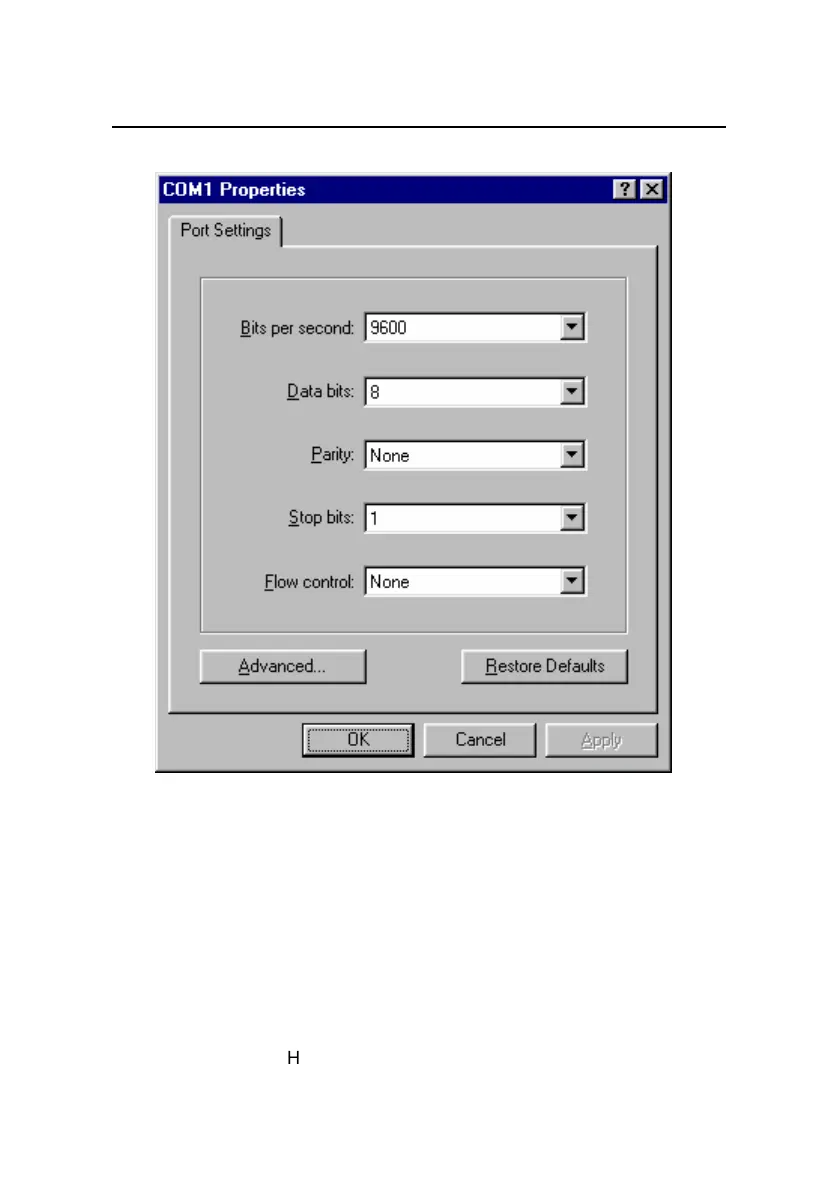
Figure 3-4 Set the properties for COM 1
5) Select the [File/Properties/Settings] menu in the
HyperTerminal window, and set the Telnet terminal and
emulation types as "ANSI" and "Auto Detect". Refer to
Figure 3-5.


 To Next Page
 Loading...