4
13 Clear key 14 Right soft key
15 Confirm key
Keys and Functions
In this guide, the navigation keys of your phone are indicated by the
following icons:
, , , and .
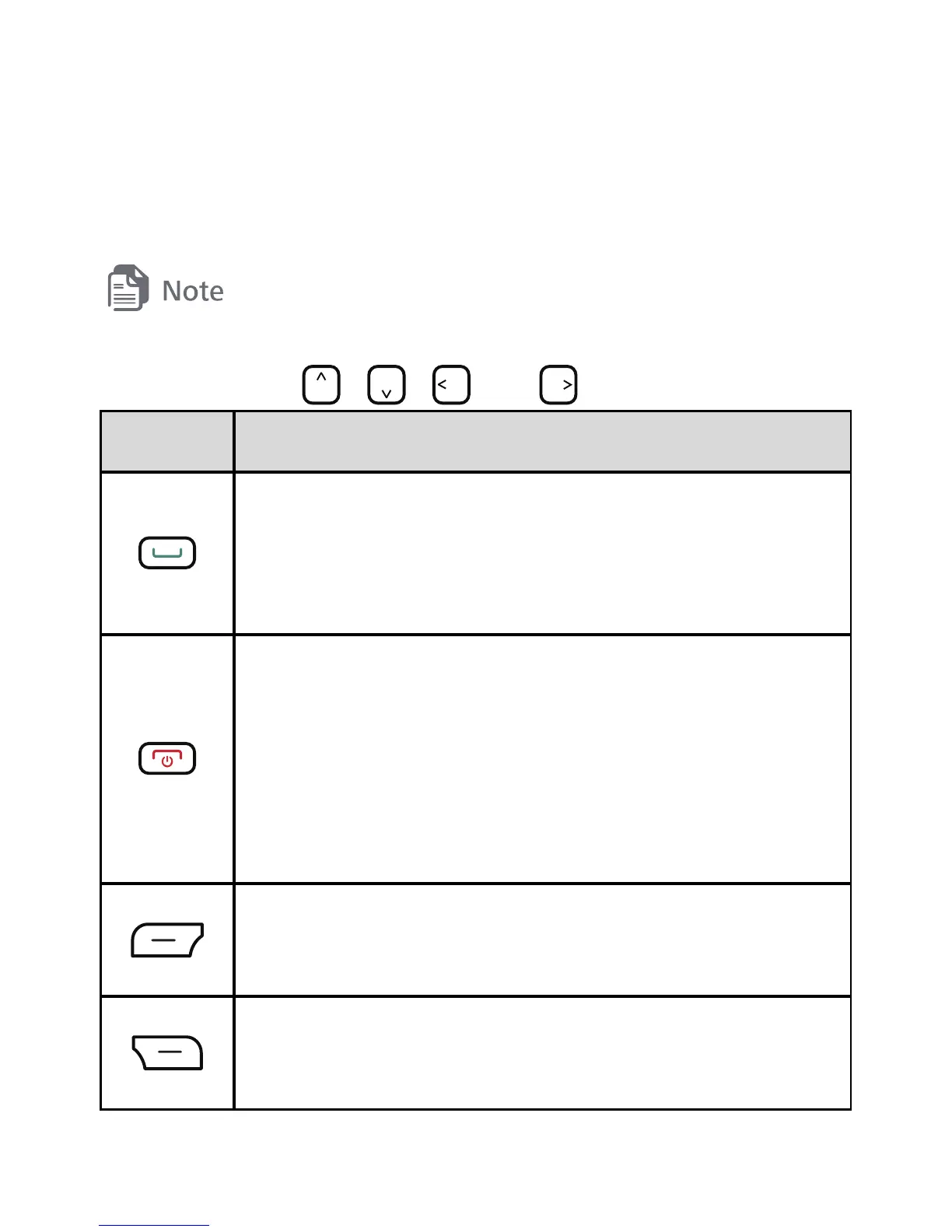
Press... To...
z
Make a call.
z
Answer a call.
z
View call logs in standby mode.
z
Power the phone on or off (press and hold the
key for about 3 seconds).
z
End or reject a call.
z
Return to standby mode.
z
Turn the keypad light on or off in standby mode.
Select the option displayed in the lower left corner of
the screen.
Select the option displayed in the lower right corner
of the screen.



 To Next Page