2
Charging the Battery
Although the lithium battery of the mobile phone can be used
immediately after being unpacked from the gift box, a new
battery performs best after being fully charged and discharged for
3 times.
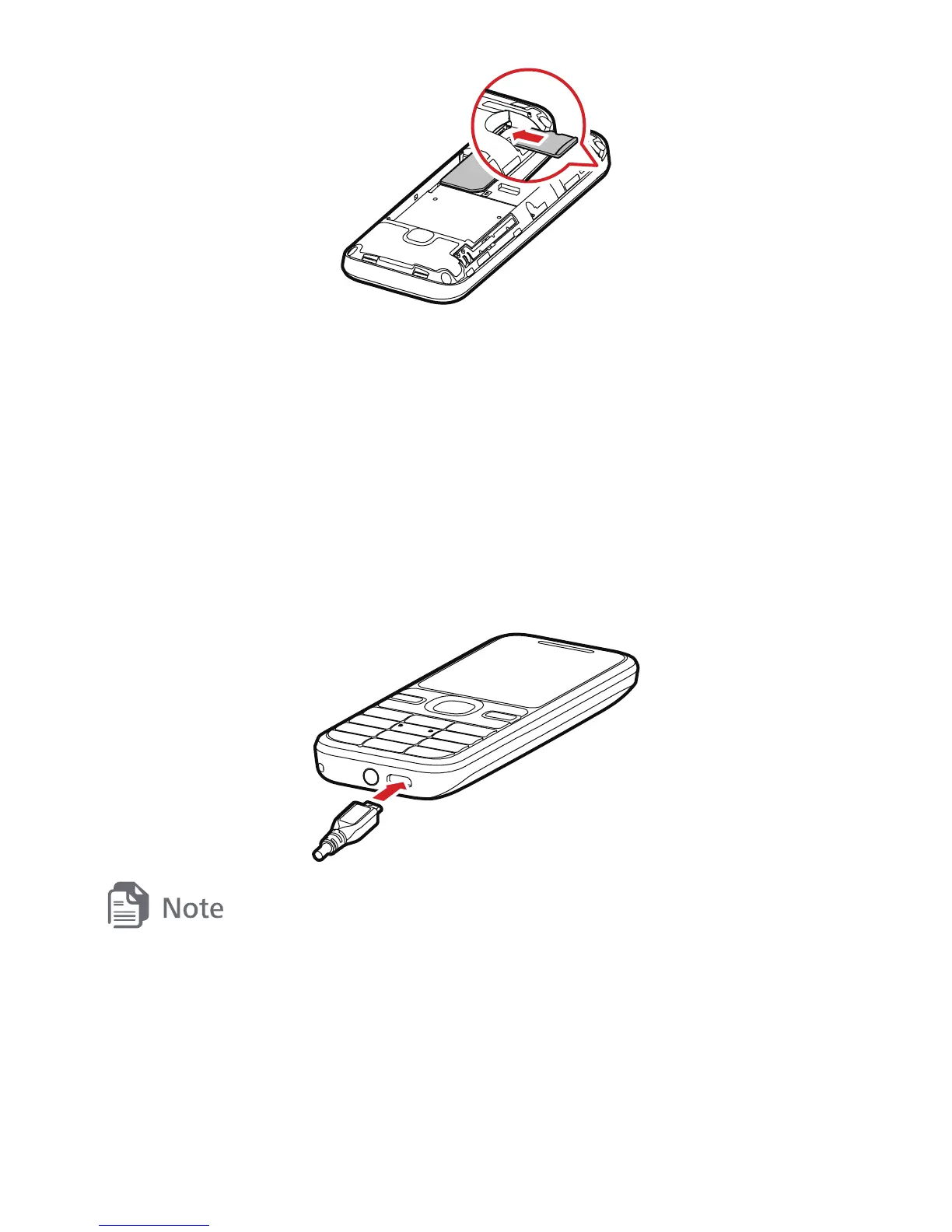
The following figure shows how to charge your battery.
z
While the battery is charging, the charging icon blinks. When the
charging icon stops blinking, the battery is fully charged.
z
If the battery has not been used for a long time or if the battery runs
out of power, the charging icon may appear several minutes later after
you start charging the battery.



 To Next Page