20
6Messaging
Messages
The maximum content for a single text message is
160 characters. If the characters you enter exceed
this limit, the text is divided into two or more continu-
ous messages when it is sent.
Creating a Message
With this option, you can create new SMS, MMS,
MMS Postcard, and Email.
1 Select Messaging > Create message in the
main menu.
• Message: To access the SMS or MMS editing
screen.
• From template: To edit the SMS or MMS from
template.
• Postcard: To access the postcard editing
screen.
• Email: To access the email editing screen.
2 After editing the message, press or select
Options > Add Recipient to add a recipient’s
number.
3 Press or select Options > Send to send the
message.
Messages Mailboxes
The phone provides four mailboxes for messages,
namely, Inbox , Drafts , Outbox and
Sent .
◆ Inbox
You can save the received messages in Inbox.
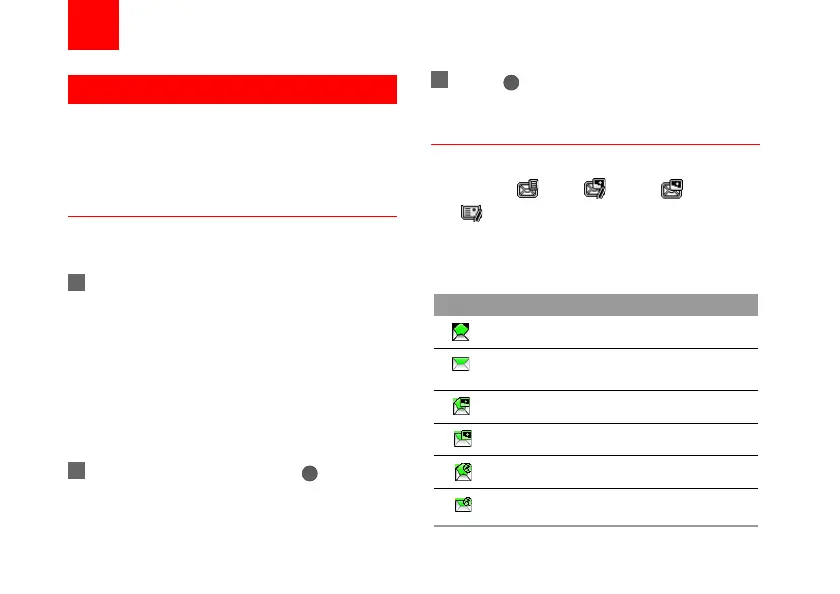
Icons in Inbox
Icon Description
a read SMS or a read message report
an unread SMS or an unread message
report
a read MMS
an unread MMS
A read Push message
An unread Push message
U5700.book Page 20 Tuesday, September 4, 2007 11:48 AM



 To Next Page