Your Phone
3
1
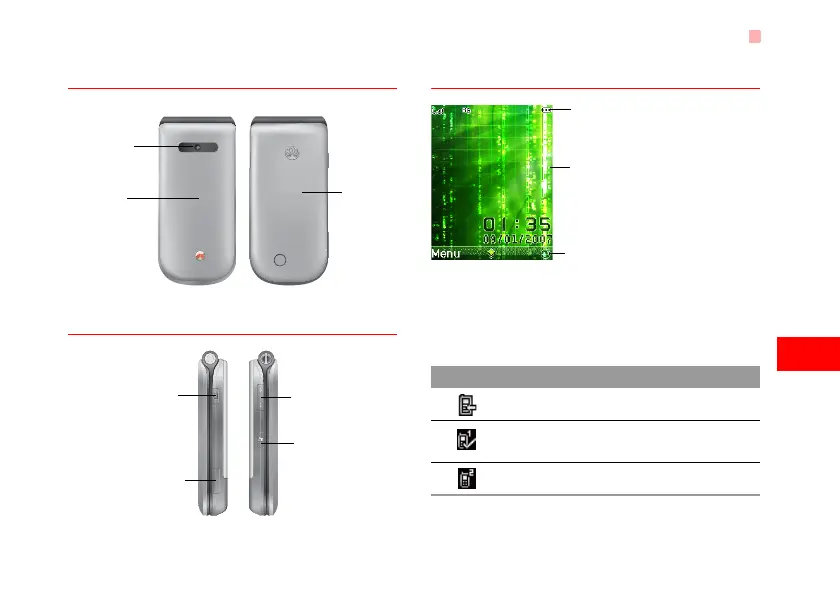
Getting to Know Your Phone
Front View and Back View
Side View
Home Screen
◆ Icon bar
This area displays the phone status. The following
table illustrates the icons that may appear on this bar.
Back cover
Camera
Screen
• To display the
relevant
information.
Volume keys
Camera shortcut key
• Press and hold this key
for few seconds to
activate the camera in
the standby mode..
Music key
• Press this key to
access the Music
screen in the
standby mode.
Charger connector/Cable
connector/Headset Jack
Icon Description
The phone is in a call.
Forwarding all incoming voice calls to
line 1.
Call line 2 is enabled currently.
Icon bar
Prompt bar
To display the operations and the function
options.
Desktop
To display the operations currently available.
U5700.book Page 3 Tuesday, September 4, 2007 11:48 AM



 To Next Page