95
Entertainment
Playing Music
1. Touch a category on the music library screen.
2. Touch the song you want to play.
Tip:
When you are listening to music, touch , to use another application.
Your music continues to play. To return to the music controls, open the
notification panel and then touch the song.
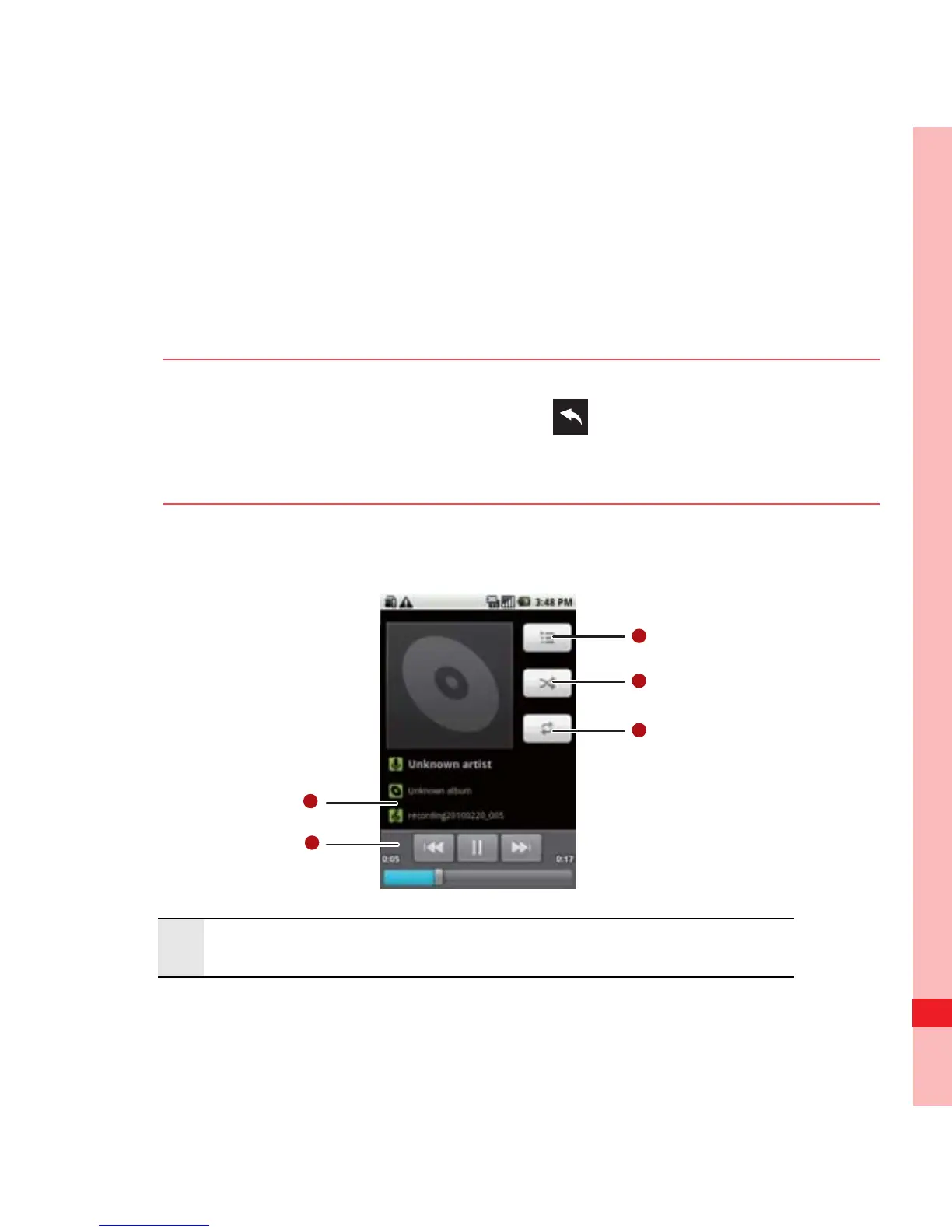
Music Player Screen
1 Touch and hold to search for information.
Ofrecido por www.electromanuales.com



 To Next Page